Lenovo L15 Mobile Monitor Review: Your Ultra-Portable Productivity Partner
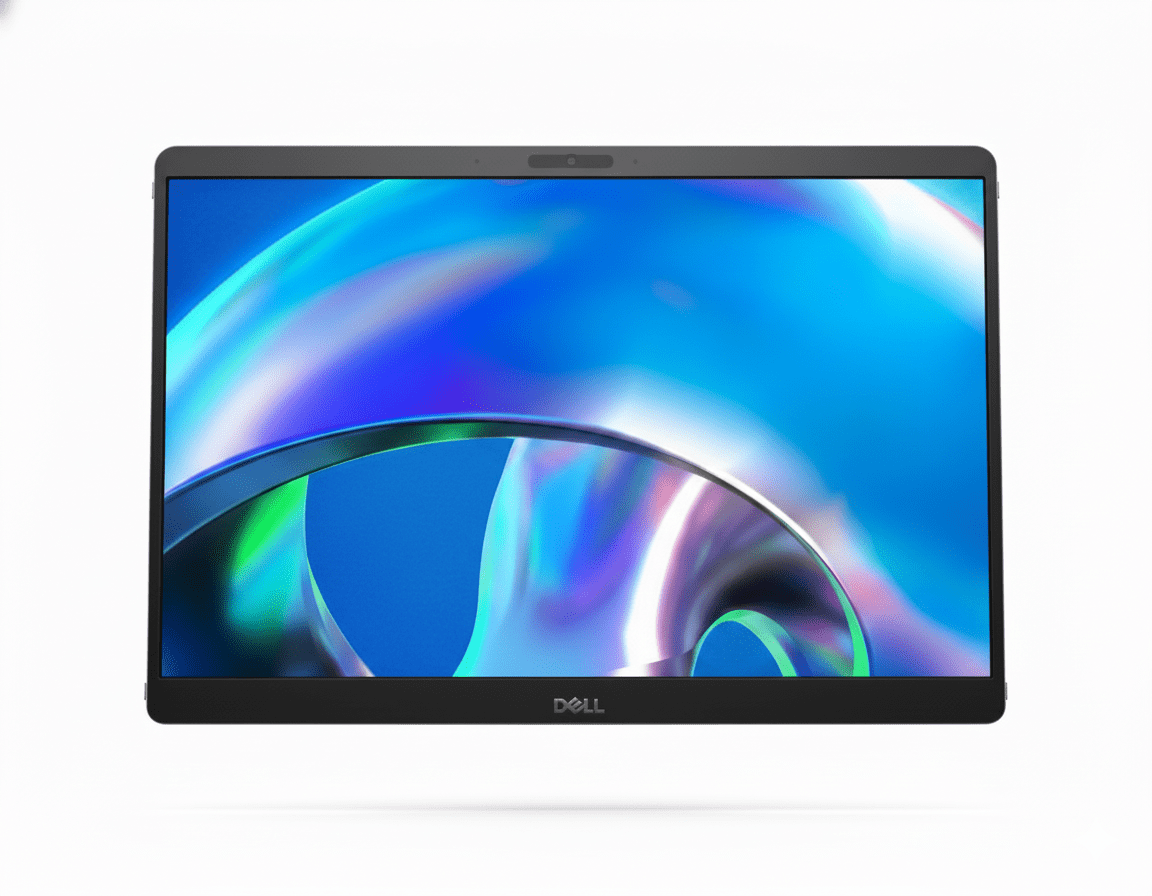
The Lenovo L15 39.62cms (15.6″) mobile monitor emerges as an exceptional companion for enhancing productivity on the go. Designed with the modern professional, student, or frequent traveler in mind, this ultra-portable display seamlessly extends your screen real estate wherever you are. Priced at a competitive ₹11,991, the L15 offers a blend of convenience, versatility, and comfortable viewing in a remarkably compact package. Weighing a mere 860 grams and boasting an ultra-slim profile of just 6mm, the Lenovo L15 is effortlessly carried in any bag, transforming any location into a productive workspace. It features a crisp 15.6-inch Full HD (1920 x 1080) IPS anti-glare display that provides wide viewing angles and clear visuals. Designed for prolonged use, it incorporates advanced low blue light technology for eye comfort. Its innovative dual USB-C connectivity not only simplifies setup with a single cable for video and power but also includes power pass-through functionality, making it an incredibly versatile addition to your mobile tech arsenal. The integrated adjustable stand allows for flexible landscape and portrait modes, ensuring perfect alignment with your primary device. This in-depth review will explore the Lenovo L15’s groundbreaking portability, display quality, unique connectivity solutions, ergonomic flexibility, and overall value proposition, helping discerning buyers understand why this mobile monitor is a highly recommended choice for boosting on-the-go efficiency.
1. Ultra-Portable Design & Versatile Ergonomics: Work Anywhere
The L15 is engineered for maximum portability and adaptability.
Exceptional Portability:
Weighing in at just 860 grams (1.90 lbs) and a mere 6mm thin, the Lenovo L15 is incredibly lightweight and slender, making it one of the most travel-friendly mobile monitors available.
Flexible Viewing Modes:
The integrated, adjustable foot stand allows for effortless tilting up to 90 degrees and precise height adjustment. It supports seamless switching between landscape and portrait orientations.
Travel-Friendly Accessories:
The L15 comes with a protective sleeve for safe transport and a 1-meter USB Type-C to Type-C cable, ensuring immediate usability right out of the box.
2. Vibrant Full HD IPS Display & Advanced Eye Care: Comfortable Viewing
The display offers clear visuals and prioritizes user comfort.
Vibrant Full HD IPS Display:
The 15.6-inch Full HD (1920×1080) IPS anti-glare panel delivers crisp visuals and wide 178°/178° viewing angles. The anti-glare coating effectively minimizes reflections.
Advanced Eye Care:
The L15 features advanced low blue light technology, which reduces harmful blue light emissions without significantly distorting colors, contributing to reduced eye strain and fatigue.
Adequate Brightness:
With a typical brightness of 250 cd/m2, the monitor is well-suited for indoor environments, providing sufficient illumination for productivity tasks.
3. Seamless USB-C Connectivity: Simplified Setup
Connectivity is streamlined for modern mobile devices.
Single-Cable USB-C Connectivity:
The L15 boasts two USB Type-C ports, offering a highly convenient one-cable solution for both video signal and power, significantly reducing cable clutter on your mobile workspace.
Power Pass-Through:
A particularly useful feature is the power pass-through capability. You can connect your laptop’s power adapter to one of the monitor’s USB-C ports, and the monitor will draw power while simultaneously sending power to charge your connected laptop.
Wide Compatibility:
While primarily designed for USB-C, its compatibility extends to a range of laptops, tablets, and even smartphones that support video output over USB-C.
4. Reliable Warranty: Long-Term Assurance
Lenovo provides robust support for this portable device.
3-Year Limited Warranty:
The inclusion of a 3-year limited warranty provides significant peace of mind and long-term assurance, underscoring Lenovo’s confidence in the product’s durability and reliability.
Who Is This Monitor For? Tailored Recommendations
The Lenovo L15 Mobile Monitor is an ideal choice for:
- Mobile Professionals & Remote Workers: Perfect for extending laptop screens for increased productivity during business trips, co-working spaces, or home offices with limited space.
- Students & Researchers: Great for multitasking with research papers, coding, or multiple reference materials while studying in libraries, cafes, or on campus.
- Frequent Travelers: Its ultra-portable design makes it an indispensable tool for maintaining productivity and entertainment while on the move.
- Users with USB-C Laptops/Devices: The single-cable USB-C connectivity with power pass-through is incredibly convenient for modern devices.
- Presenters: Can be used as a secondary display for presentations, allowing the presenter to view notes while the audience sees the main content.
- Anyone Needing Extra Screen Real Estate on a Budget: Offers a cost-effective way to expand your digital workspace without investing in a full-sized desktop monitor.
Who Might Consider Other Options?
You might consider other options if:
- You Are a Professional Graphic Designer/Video Editor: The limited 45% NTSC color gamut is not suitable for color-critical work requiring high color accuracy and wider color spaces.
- You Are a Serious Gamer: The 60Hz refresh rate and 6ms/14ms response time are not ideal for fast-paced, competitive gaming where higher refresh rates and lower response times are crucial.
- You Need a Very Bright Display: At 250 nits, it’s adequate for indoor use but may struggle in very bright environments or outdoors.
- You Need a Built-in Battery: This monitor relies on power from the connected device or an external adapter and does not have its own integrated battery for independent operation.
- You Need HDMI/DisplayPort Connectivity: If your primary devices do not have USB-C video output, you will need adapters, which adds to complexity.
Competitive Edge: What Sets It Apart
The Lenovo L15 Mobile Monitor distinguishes itself in the market with several key advantages:
- Unmatched Portability: Its incredibly light (860g) and thin (6mm) design makes it one of the most genuinely portable and easy-to-carry mobile monitors, perfect for frequent travelers.
- Dual USB-C with Power Pass-Through: This is a standout feature, simplifying cable management by allowing a single cable for video and power, and enabling the monitor to charge the connected laptop simultaneously.
- Superior Integrated Ergonomics: The flexible foot stand with tilt (up to 90 degrees) and height adjustment, plus seamless landscape/portrait switching, offers far more ergonomic versatility than many other mobile monitors.
- Advanced Eye Care: The inclusion of advanced low blue light technology and “Eye Caring” certification demonstrates a strong commitment to user comfort during long work sessions, a crucial aspect for productivity.
- Excellent Value for Money: At ₹11,991, it offers a premium set of features for on-the-go productivity, making it a highly competitive option in the mobile monitor segment.
- Included Protective Sleeve: The thoughtful inclusion of a protective sleeve adds immediate value and convenience, ensuring the monitor is well-protected during travel.
Full Specification Details
Display
- Screen Size: 15.6 inches (39.62 cms)
- Panel Type: In-Plane Switching (IPS)
- Maximum Resolution: 1920 x 1080 (Full HD)
- Aspect Ratio: 16:9
- Brightness: 250 cd/m2 (typical)
- Contrast Ratio: 1000:1
- Backlight: WLED
- Response Time: 6 ms (Extreme Mode), 14 ms (Normal Mode)
- Refresh Rate: 60 Hz
- Viewing Angle: 178° / 178°
- Color Coverage: 45% NTSC
- Color Depth: 8-bit
- Color Support: 16.7 Million
Stand Features
- Tilt Angle: 0° / 90°
- Height Adjustment: Yes
Power
- Power Requirement: 5/9/15/20 VDC (USB Type-C Power Delivery)
- Power Consumption: 8W Typical, 9.5W Max, <0.3W Sleep, <0.3W Power Off
Connectivity
- Connection Type: 2 x USB Type-C (All Digitals with HDCP, supports Power Pass-Through)
Dimensions & Weight
- Dimensions (without Package): 245.5 mm x 360.0 mm x 108.4 mm (with stand)
- Weight (without Package): 0.86 kg / 1.90 lbs
- Weight (with Package): 1.69 kg / 3.73 lbs
Included Accessories & Warranty
- Included Accessories: 1 x L15 Mobile Monitor, 1 x 1m USB Type-C to Type-C cable, 1 x Sleeve, 1 x A pair of clips, 1 x QSG
- Software/Driver: Yes (Lenovo Artery 2.0)
- Warranty: Three Years Limited
- Energy Star Certified: No
- Eye Caring Feature: Yes (Advanced Low Blue Light Technology)
- Kensington Lock: Yes
- Other Special Features: Height Adjustment
Pros & Cons: A Balanced View for Buyers
Pros:
- Exceptional Portability: Extremely lightweight (860g) and thin (6mm), making it one of the most genuinely travel-friendly mobile monitors available.
- Single-Cable Connectivity: Dual USB-C ports with power pass-through significantly simplify setup and reduce cable clutter, allowing you to power both the monitor and your laptop with just one external adapter.
- Versatile Ergonomics: The built-in adjustable stand offers excellent flexibility, including 0-90 degree tilt and height adjustment, enabling perfect alignment with your laptop and seamless switching between landscape and portrait modes.
- Eye-Friendly Display: The Full HD IPS anti-glare panel with advanced low blue light technology ensures comfortable viewing for extended periods, reducing eye strain.
- Good for Productivity: Expanding your screen real estate with a clear Full HD display significantly boosts multitasking efficiency for work, study, or entertainment on the go.
- Included Accessories: Comes with a protective sleeve and a high-quality USB-C cable, adding immediate value and usability without extra purchases.
- Long Warranty: A generous 3-year limited warranty provides excellent long-term support and peace of mind.
Cons:
- Limited Color Gamut: With only 45% NTSC color coverage, it is basic and not ideal for professional graphic design, video editing, or any color-critical work where high color accuracy is paramount.
- Basic Brightness: 250 nits (cd/m2) is adequate for typical indoor use but may struggle in very bright environments, direct sunlight, or for users who prefer a very bright display.
- No Built-in Battery: Relies on power from the connected device or an external power adapter; unlike some other mobile monitors, it cannot operate independently on its own battery power.
- USB-C Only Connectivity: While modern and convenient, the absence of HDMI or DisplayPort might require adapters for older devices or those without USB-C video output, limiting universal compatibility out of the box.
- Standard Refresh Rate: A 60Hz refresh rate is perfectly standard for productivity but not suitable for high-refresh-rate gaming, which demands 120Hz or higher.
- Response Time: While 6ms (Extreme Mode) is decent for general use, it’s not as fast as dedicated gaming monitors (typically 1ms GTG), which could be a factor for very competitive gamers.
Final Verdict: The Lenovo L15 Mobile Monitor – Your Go-To for On-the-Go Productivity
The Lenovo L15 Mobile Monitor is an outstanding portable display solution, perfectly suited for professionals, students, and anyone who frequently needs an expanded screen while working remotely or traveling. Its ultra-light and slim design, coupled with incredibly convenient single-cable USB-C connectivity and power pass-through, makes it exceptionally practical and easy to use on the go. While it may not offer the wide color gamut required for professional photo/video editing or the high refresh rates demanded by serious gamers, its Full HD IPS anti-glare panel with eye-care features and flexible ergonomic stand deliver a comfortable and highly productive viewing experience. For boosting on-the-go productivity and versatility, the Lenovo L15 is a highly recommended and excellent value-for-money choice in the mobile monitor segment.
Overall Rating: 4.5 out of 5.0 (Based on Expert Analysis)