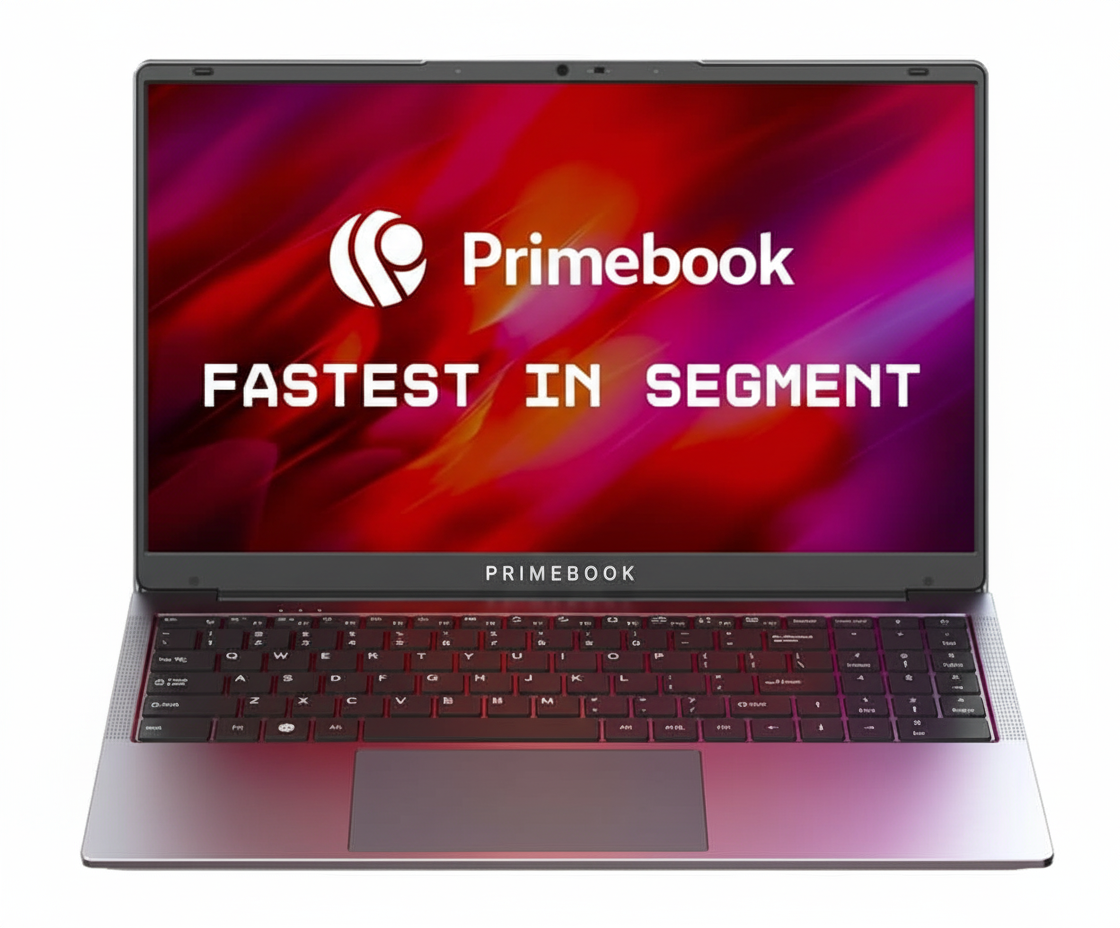
Primebook 2 Max (2025 New Launch)
The Primebook 2 Max (2025) is a revolutionary new entry in the budget laptop market, challenging the dominance of underpowered Windows machines with a smart, powerful, and feature-rich Android-based alternative. For an aggressive price of ₹19,490, it delivers a level of performance and a suite of modern features that are simply unheard of in this segment.
At its core is the capable MediaTek Helio G99 processor, paired with a generous 8GB of RAM and fast 256GB UFS storage. It runs on PrimeOS 3.0, a custom version of Android 15 designed for a desktop experience. With a massive 15.6-inch FHD display, a backlit keyboard, a class-leading 1440p webcam, and integrated AI tools, the Primebook 2 Max is not just a great value; it’s a new benchmark for what a budget laptop can be.
A New Class of Performance
Experience the power of a modern mobile chipset in a laptop form factor.
MediaTek Helio G99 Processor
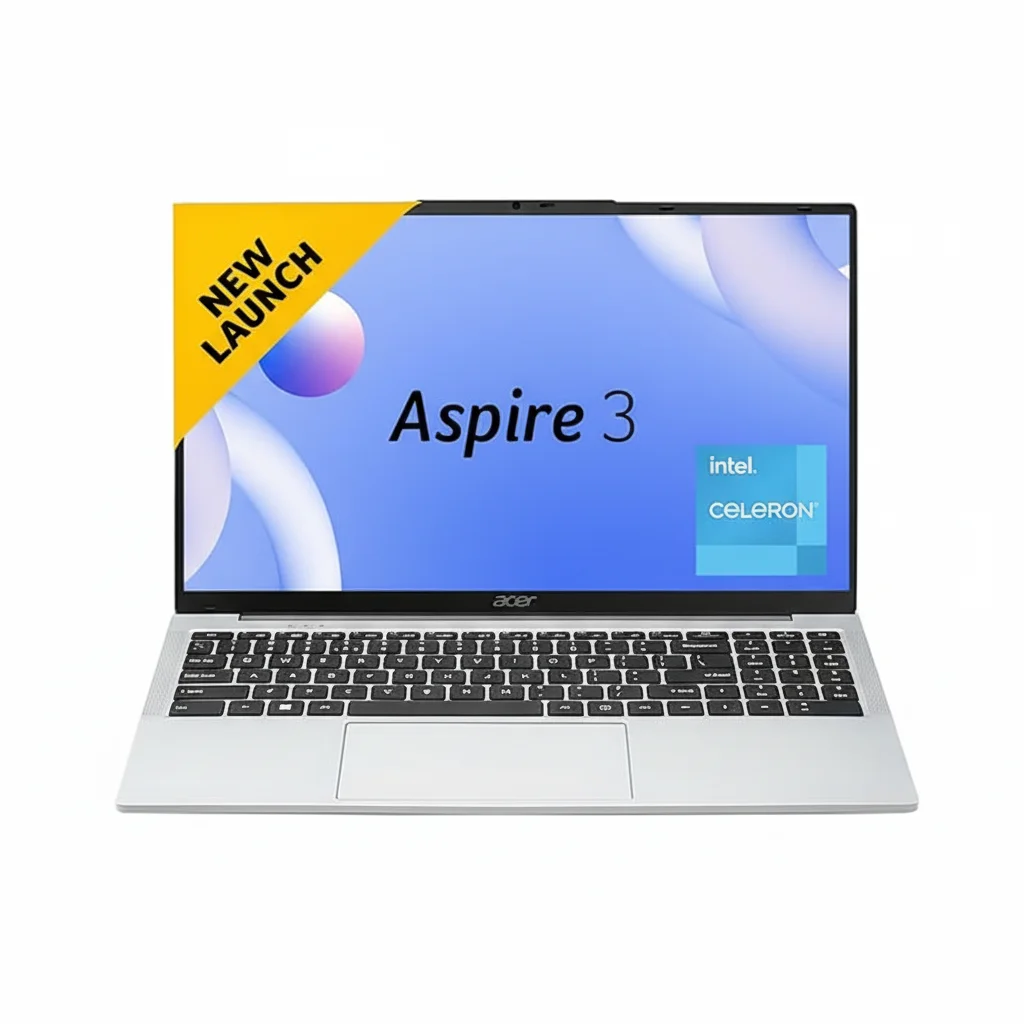
The octa-core Helio G99 processor is a game-changer. It delivers smooth, efficient performance that far surpasses the entry-level Celeron chips found in competing Windows laptops, allowing for seamless multitasking and a responsive user experience across all your Android apps[128].
Android, Optimized for Desktop
PrimeOS 3.0, based on Android 15, provides a familiar desktop-like interface with multi-window support, a proper file manager, and full keyboard and trackpad integration. It brings the massive Android app ecosystem to a large-screen productivity device[129][133].
Premium Features, Budget Price
A suite of high-end features that defy the laptop’s entry-level cost.
Class-Leading 1440p Webcam
Look sharp and clear in every video call with the built-in 1440p (2K) webcam. This is a massive leap in quality over the 720p cameras found on almost all other laptops, including many premium models, making it perfect for online classes and professional meetings[132][131].
Large Screen & Backlit Keyboard
Work and play comfortably on the expansive 15.6-inch Full HD IPS display. The full-size backlit keyboard with a numeric keypad allows for productive work sessions, even in low-light environments[133].
AI-Powered Intelligence
Smart features that enhance your productivity and streamline your workflow.
Integrated AI Companion
The Primebook 2 Max features a dedicated key to access an AI Companion powered by Google Gemini. Get instant answers, draft emails, or brainstorm ideas without leaving your current window. The AI-powered Global Search allows you to find files, apps, settings, and web content from a single search bar, saving you valuable time[133][132].
Full Specifications
Core Components & OS
- Processor:MediaTek Helio G99 (MT8781) Octa-Core, up to 2.2 GHz
- Operating System:PrimeOS 3.0 (Android 15-based)
- RAM:8 GB LPDDR4X
- Internal Storage:256 GB UFS 2.2
Display & Visuals
- Screen Size:15.6 Inches
- Resolution:1920 x 1080 pixels (Full HD)
- Panel Type:IPS (In-Plane Switching) Anti-glare
- Graphics:Integrated ARM Mali-G57 MC2
Input & Multimedia
- Keyboard:Full-size backlit keyboard with numeric keypad
- Webcam:1440p HD Camera
- Audio:Dual stereo speakers
- Microphone:Dual microphones with noise cancellation
Connectivity & Ports
- Wireless:Dual-Band Wi-Fi (2.4GHz + 5GHz), Bluetooth 5.1
- Ports:2x USB-A, 1x USB-C (with fast charging), 3.5mm audio jack, MicroSD card slot, Kensington Lock
Battery & Physical Design
- Battery:60.3 Wh
- Battery Life:Up to 12 hours
- Weight:Approx. 1.61 kg
- Color:Gray
Pros and Cons: A Balanced View
Pros:
- Exceptional Performance for the Price: Helio G99 + 8GB RAM is much faster than Celeron rivals.
- Outstanding 1440p Webcam: Best-in-class camera quality for video calls and online classes.
- Large 15.6″ FHD IPS Display: A big, beautiful screen for productivity and media.
- Excellent Battery Life: Up to 12 hours of use on a single charge.
- Premium Features: Backlit keyboard, numeric keypad, and integrated AI are rare at this price.
- Vast App Ecosystem: Access to millions of Android apps via the Google Play Store.
Cons:
- Not a Windows Laptop: Cannot run traditional Windows desktop software (e.g., full Adobe suite).
- Android App Optimization Varies: Some apps may not be perfectly optimized for a laptop layout.
- UFS Storage is Slower than NVMe: While fast, it’s not on par with the SSDs in more expensive laptops.
- Plastic Build: The chassis is functional but doesn’t feel as premium as metal-bodied laptops.
Who Is This Laptop For?
- Students and Educators: The perfect device for online learning, research, and running educational Android apps on a big screen.
- The Android Power User: Anyone who loves the Android ecosystem and wants a powerful, desktop-like experience for their favorite apps.
- The Modern Home User: An excellent, simple-to-use device for web browsing, streaming, social media, and light productivity.
Who Might Consider Other Options?
- Traditional Windows Users: If you depend on specific, legacy Windows software for work, this is not a direct replacement.
- Serious Gamers: While it can handle Android games well, it is not designed for playing high-end PC titles.
- Creative Professionals: Artists and editors who need the full power of desktop apps like Adobe Photoshop or DaVinci Resolve should look at Windows or macOS workstations.
Competitive Edge: Redefining the Budget Laptop
The Primebook 2 Max doesn’t just compete; it changes the rules of the game for sub-₹20,000 laptops.
- Unmatched Performance-per-Rupee: Its biggest advantage is the MediaTek Helio G99 processor. It offers a level of raw performance and smooth multitasking that sluggish, Celeron-based Windows laptops at this price simply cannot match.
- A Truly Premium Feature Set: The combination of a 1440p webcam, a backlit keyboard, a numeric keypad, and a 12-hour battery is a feature package that is unprecedented in this budget category, making it feel like a much more expensive device.
- Smart, Modern Software: By leveraging the power of Android and integrated AI, it provides a faster, more modern, and more secure user experience than the often-bloated Windows installations on competing budget hardware.
Final Verdict: The New King of Budget Laptops
The Primebook 2 Max (2025) is a triumph of engineering and value. It is a bold and successful attempt to solve the biggest problem with budget laptops: sluggish performance. By ditching underpowered Intel chips in favor of a capable mobile processor and a lightweight Android-based OS, Primebook has created a device that is fast, responsive, and packed with genuinely useful features.
The exceptional webcam, long battery life, large display, and backlit keyboard would be impressive on a laptop costing twice as much. To find them all in a sub-₹20,000 package is nothing short of remarkable. For students, educators, and anyone looking for a high-performance device for everyday tasks without breaking the bank, the Primebook 2 Max isn’t just a good choice—it is the best and most intelligent choice on the market today.
Overall Rating: 5.0 out of 5.0 (For Budget Laptops)