Dell Pro 22 Plus Monitor (P2225H) Review: The Productivity Powerhouse
The Dell Pro 22 Plus Monitor (P2225H) is engineered from the ground up to be the ideal companion for all-day productivity. Priced at a competitive ₹11,799, this 21.5-inch monitor elevates the standard office display with features focused on comfort, clarity, and connectivity. It combines a crisp FHD IPS panel with a smooth 100Hz refresh rate, top-tier eye comfort certifications, and a fully ergonomic stand. Topped off with a versatile USB hub that includes USB-C, the P2225H is a masterclass in professional efficiency.
Upgrade Your Workday Comfort
Experience smooth 100Hz scrolling, advanced eye comfort, and full ergonomic control.
Offer valid till Oct 17th
Key Features at a Glance
1. Enhanced Visuals: Smooth and Vivid
Experience less flicker, more seamless scrolling, and vibrant, consistent colors.
100Hz Refresh Rate
A key upgrade for productivity, the 100Hz refresh rate provides significantly smoother motion compared to standard 60Hz office monitors. This makes everything from scrolling through long documents and websites to watching videos a more fluid and pleasant experience.
Vibrant IPS Panel
The FHD IPS panel delivers 99% sRGB color coverage for accurate, vivid colors. It also boasts an improved 1500:1 contrast ratio, resulting in deeper blacks and brighter whites for a more dynamic and detailed image, perfect for presentations and content viewing.
2. All-Day Eye Comfort
Certified to reduce eye strain without compromising on color.
TÜV 4-Star Certification
This monitor achieves the rigorous TÜV Rheinland® 4-star eye comfort certification, a leading industry standard. This ensures the display is engineered to minimize eye fatigue during extended periods of use, making it ideal for professionals.
Improved ComfortView Plus
The P2225H features an enhanced, hardware-based ComfortView Plus. This built-in technology reduces harmful blue light emissions to less than 35% without the yellow tint of software solutions, preserving color accuracy while protecting your eyes.
3. Superior Ergonomics: Designed for You
A full range of adjustments to create your perfect, comfortable workspace.
Fully Ergonomic Stand
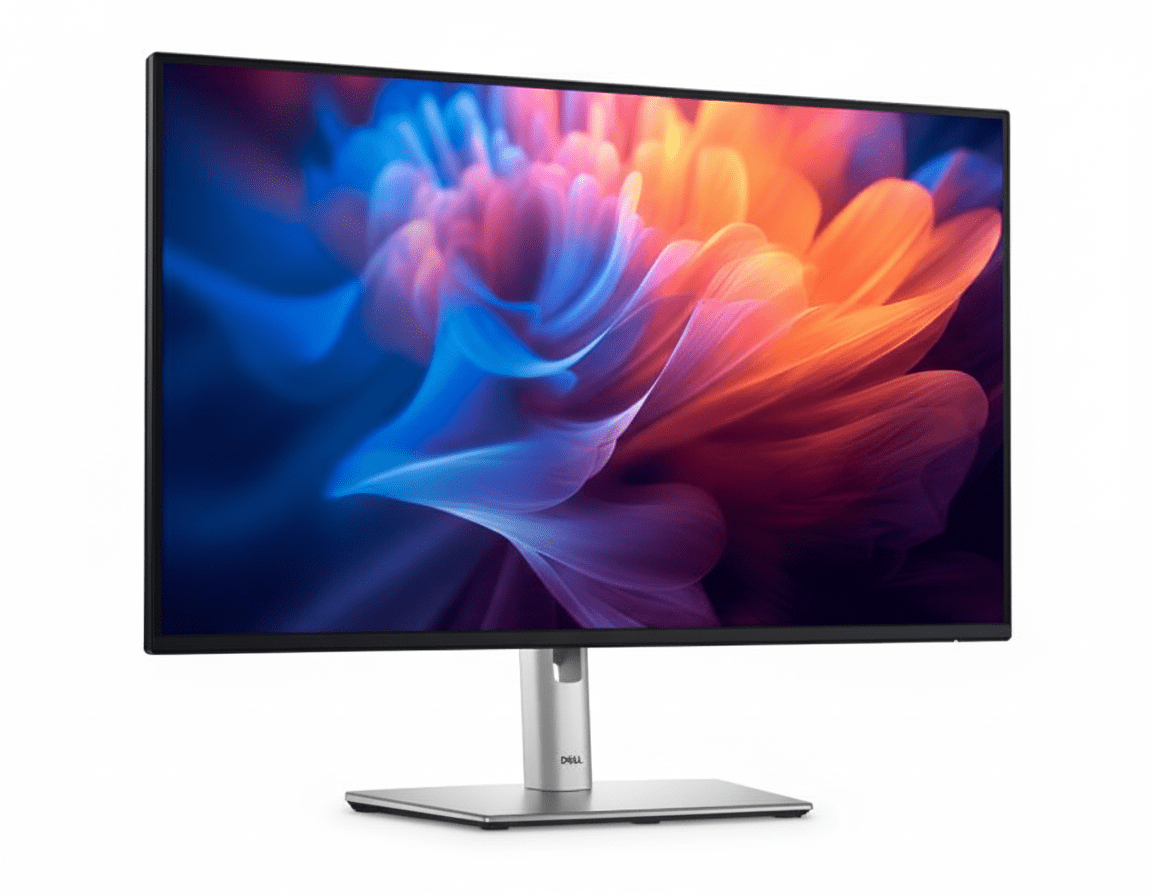
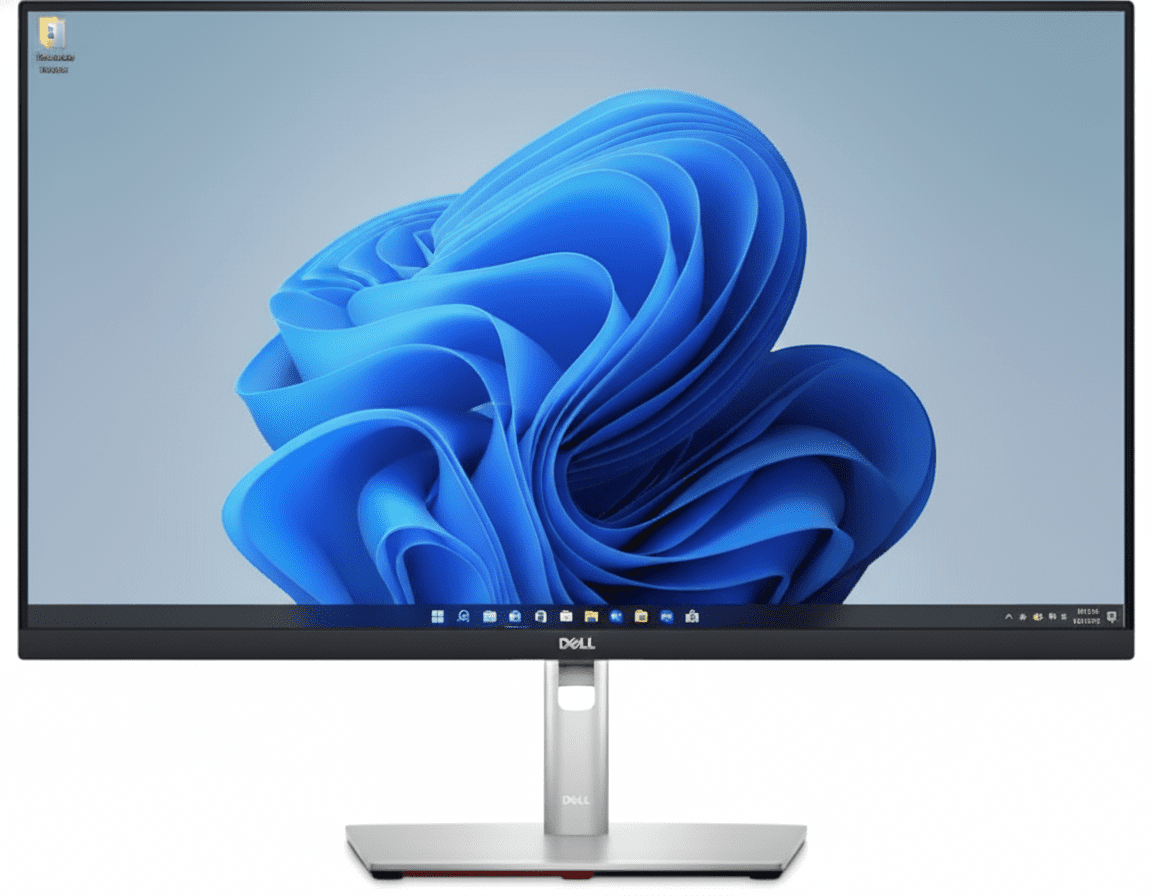
This monitor excels in adjustability. The stand provides 150mm of height adjustment, tilt (-5°/+21°), and swivel (±45°), allowing you to position the screen perfectly at eye level and reduce neck strain.
Pivot to Portrait
For developers, writers, and researchers, the 90° pivot function is a game-changer. Rotate the monitor into a vertical orientation to easily view long documents, lines of code, or web pages with less scrolling.
4. Extensive Connectivity: Your Productivity Hub
Connect all your devices and reduce cable clutter with a wide variety of ports.
Versatile Video Inputs
The P2225H is ready for any office environment with a comprehensive selection of video ports. It includes modern DisplayPort 1.2 and HDMI 1.4 inputs, as well as a legacy VGA port to ensure compatibility with older PCs.
Quick Access USB Hub
The monitor serves as a convenient USB hub. It features four downstream ports (3x USB-A, 1x USB-C) for connecting your keyboard, mouse, and other peripherals. The USB-C port provides up to 15W of power for charging phones or accessories.
5. Dell Display Manager: Smart Productivity
Unlock the full potential of your monitor with powerful software tools.
Improved Multitasking
Dell Display Manager (DDM) software enhances productivity. Use Easy Arrange to tile and organize application windows in various preset layouts. Easy Arrange Memory even remembers your layouts and restores them upon reconnection.
Easy Management & Customization
For IT managers, DDM allows for easy asset management of an entire fleet of Dell monitors. For users, the menu launcher and hotkeys provide quick access to your favorite features and settings without needing to use the OSD joystick.
6. Sustainability: Environmentally Forward Thinking
Designed with recycled materials and packaged for a lower environmental impact.
Thoughtful Material Choices
This monitor is crafted with a high percentage of sustainable materials, including 85% recycled plastics, 50% recycled steel, 100% recycled aluminum, and at least 20% recycled glass, reducing its environmental footprint from the start.
Top Environmental Standards
The P2225H meets leading environmental regulations, including ENERGY STAR® 8.0, TCO Certified Edge, and is registered EPEAT Gold with Climate+, signifying it meets industry best practices for decarbonization.
Ideal For These Users
The combination of full ergonomics, advanced eye comfort, and a 100Hz refresh rate makes it perfect for those who spend many hours a day working on a computer.
With its versatile connectivity (including VGA), remote asset management via DDM, and top environmental certifications, it’s an ideal choice for mass deployment in a business environment.
The pivot function allows for a vertical screen orientation, which is excellent for viewing long sections of code or text with minimal scrolling.
The thin bezels and full adjustability make it easy to place two of these monitors side-by-side (or one horizontally and one vertically) for a seamless and productive multi-screen setup.
Who Might Consider Other Options
While the 100Hz refresh rate is great for productivity, gamers will want faster response times, higher refresh rates, and features like adaptive sync found in dedicated gaming monitors.
Although it has good 99% sRGB color, photographers and video editors will need monitors with wider color gamuts (like DCI-P3 or Adobe RGB) and higher resolution for color-critical work.
The USB-C port only provides 15W of power and does not carry a video signal. Users who want to connect and charge their laptop with a single USB-C cable will need to look at Dell’s UltraSharp series.
Competitive Edge: How It Stacks Up
Packing professional-grade features into an accessible productivity monitor.
- Vs. Standard Office Monitors
The P2225H blows away typical 60Hz office monitors. The combination of a 100Hz refresh rate, a fully ergonomic stand, and a USB-C port are features rarely found together in this price category, offering a vastly superior user experience.
- Vs. Dell UltraSharp Monitors
While UltraSharp monitors offer more features like higher-power USB-C and wider color gamuts, the P2225H provides the most essential productivity upgrades—100Hz and full ergonomics—at a much more affordable price point, making it a better value for most office users.
- The Complete Productivity Package
Its true competitive edge is the completeness of the package for its intended user. It doesn’t just have one good feature; it has the perfect combination of features (smoothness, ergonomics, eye care, connectivity) that directly enhance all-day office productivity.
Full Specifications
Display
Connectivity
Mechanical
Pros and Cons
What We Liked
- Superb ergonomics with full height, tilt, swivel, and pivot.
- Smooth 100Hz refresh rate is a big step up for office work.
- Excellent connectivity, including legacy VGA and a USB-C port.
- Top-tier eye comfort certifications for all-day use.
- Great value for a feature-packed professional monitor.
What Could Be Better
- 21.5-inch screen size may feel small for some users.
- USB-C port is data/low-power only, cannot charge a laptop.
- Not suitable for serious gaming or color-critical creative work.
Final Verdict
The Dell Pro 22 Plus Monitor (P2225H) is an outstanding choice for any professional seeking to maximize their comfort and productivity. It thoughtfully combines the most impactful upgrades for office work—a smooth 100Hz refresh rate, elite eye-care technology, and a fully adjustable ergonomic stand—into one affordable package. The addition of a versatile USB hub with modern and legacy ports further solidifies its position as a central piece of a productive workspace.
While its compact size isn’t for everyone and it lacks single-cable laptop connectivity, these are minor trade-offs for a monitor so squarely focused on its purpose. For anyone building a home office or outfitting a corporate environment where all-day comfort and efficiency are paramount, the P2225H is arguably the best value-for-money productivity monitor on the market.