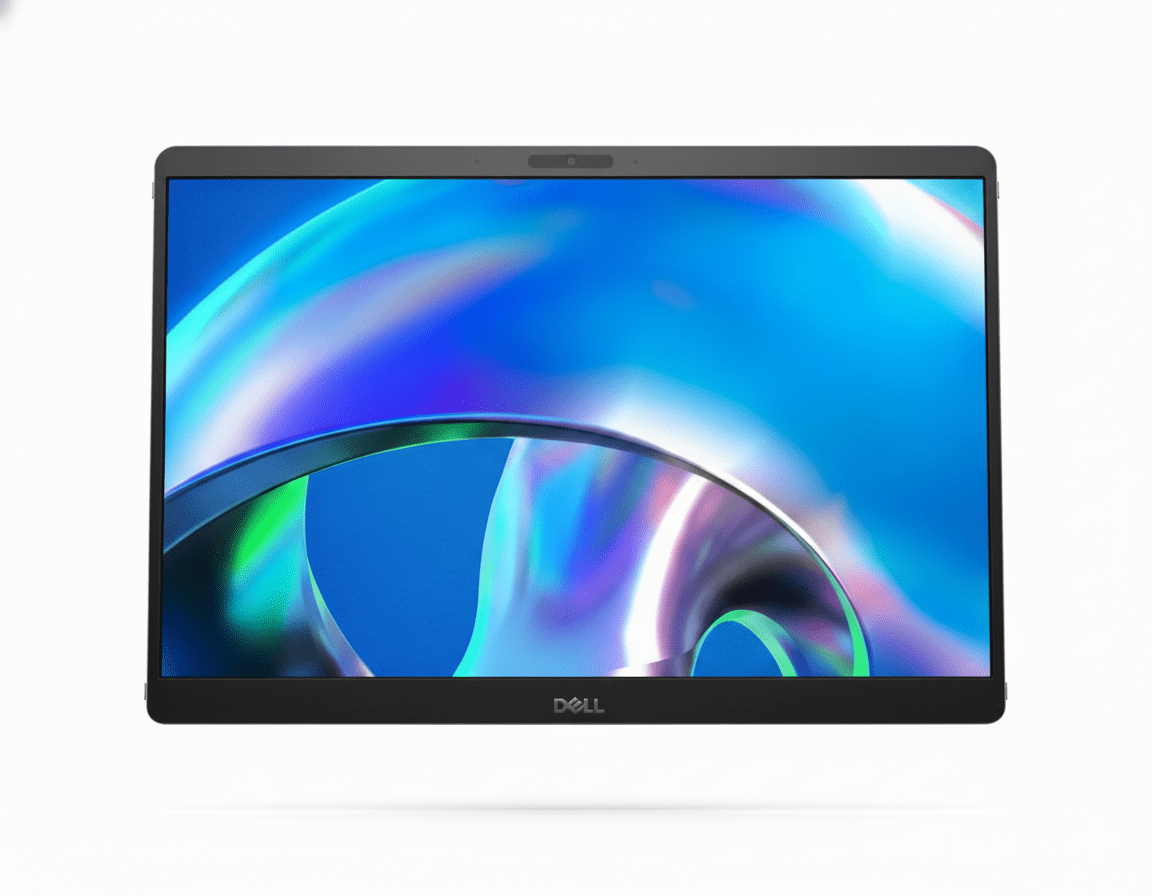
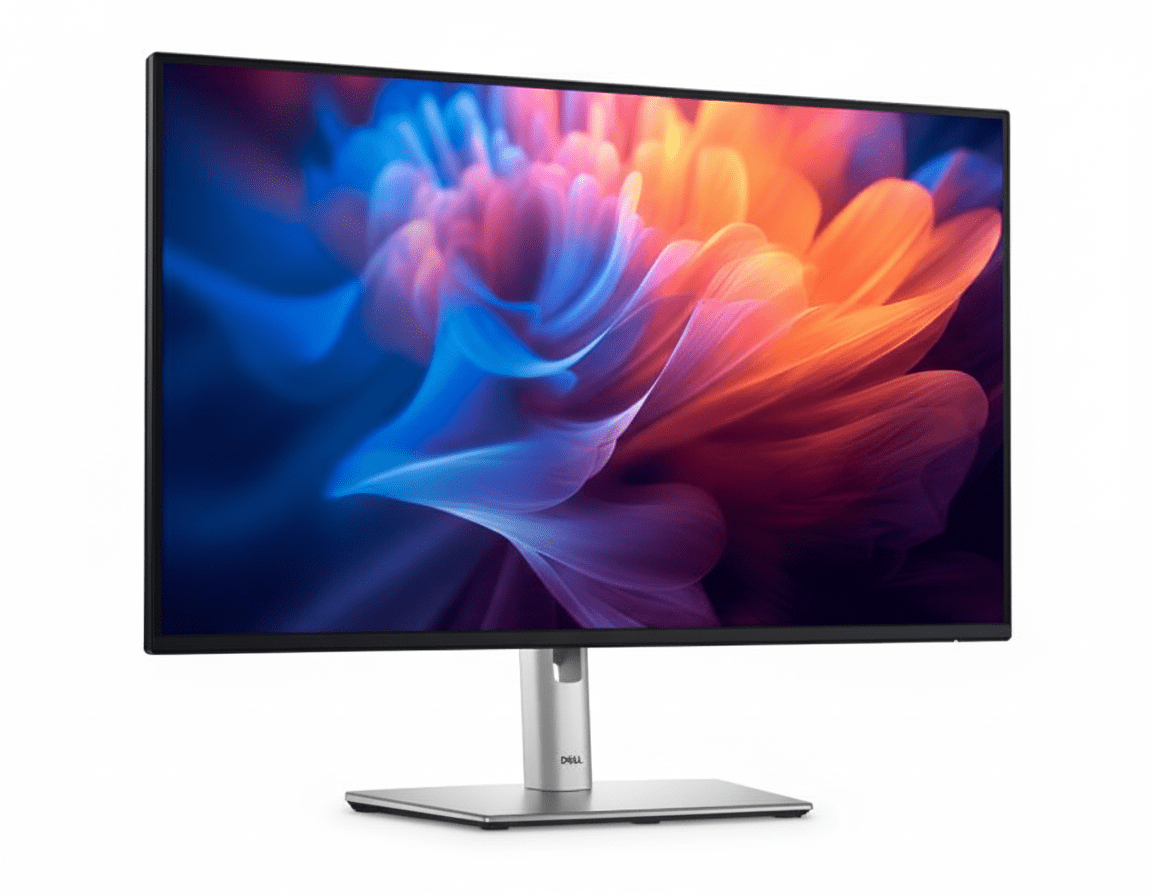
Dell Pro 22 Monitor (E2225HM) Review: The Essential Upgrade
The Dell Pro 22 Monitor (E2225HM) is engineered to deliver a superior viewing experience for everyday productivity without breaking the bank. At an incredible price of just ₹6,799, this 21.5-inch monitor goes beyond the basics. It pairs a high-contrast VA panel with a smooth 100Hz refresh rate, delivering deeper blacks and more fluid motion than typical entry-level displays. With versatile connectivity and Dell’s advanced ComfortView Plus technology, the E2225HM is the smart, budget-friendly choice for any professional workspace.
Elevate Your Everyday Productivity
Experience a smooth 100Hz refresh rate, high-contrast visuals, and advanced eye comfort.
Valid till Oct 17th | 3 Year Advanced Exchange Service
Key Features at a Glance
1. An Improved Visual Experience
Experience smoother motion, deeper blacks, and enhanced eye comfort.
Smooth 100Hz Refresh Rate
A significant upgrade for an entry-level monitor, the 100Hz refresh rate delivers a noticeably more fluid experience compared to standard 60Hz displays. Scrolling through documents, browsing websites, and general navigation feel smoother and more responsive.
High-Contrast VA Panel
The Vertical Alignment (VA) panel boasts a superb 3000:1 static contrast ratio, far superior to typical IPS panels. This results in significantly deeper blacks, brighter whites, and more vibrant colors, making text easier to read and images more impactful.
2. All-Day Comfort and Functional Design
Built to reduce eye strain and fit neatly into any workspace.
ComfortView Plus
This monitor features Dell’s always-on, built-in ComfortView Plus. This TÜV-certified hardware solution minimizes harmful blue light emissions to reduce eye fatigue during long work sessions, all without distorting the screen’s colors.
Space-Saving Design
Designed for efficiency, the monitor has a compact stand and ultra-thin bezels on three sides. It also features built-in cable management and is VESA-compatible (100x100mm), allowing you to mount it on a custom arm or stand to save even more desk space.
3. Versatile Connectivity
Connect to both modern and legacy systems with a useful array of ports.
DisplayPort 1.2
HDMI 1.4
VGA
The inclusion of DisplayPort, HDMI, and VGA ensures you can connect to a wide range of devices, from modern laptops to older desktop PCs, without needing adapters. Both DP and HDMI ports support the full 100Hz refresh rate at FHD resolution.
Ideal For These Users
This monitor provides essential productivity upgrades like 100Hz and eye comfort at an extremely accessible price point, making it perfect for mass deployment in offices.
For users who need a reliable and comfortable monitor for daily work tasks without needing advanced hub features, the E2225HM is a fantastic and affordable choice.
The inclusion of a VGA port alongside modern DP and HDMI inputs makes it incredibly versatile for connecting to older computers that may still be in use.
The VA panel’s 3000:1 contrast ratio is a significant advantage for those who prefer deeper blacks and more “punchy” visuals for text and general content consumption.
Who Might Consider Other Options
This model’s stand is tilt-only. Users who need height, swivel, or pivot adjustments should consider Dell’s P-series monitors, like the P2225H.
This monitor lacks USB-C connectivity for a single-cable solution. Laptop users should look at models like the P2725HE to get hub functionality.
While good, VA panels can have minor color shifting at extreme off-angles compared to IPS panels. For collaborative work where many people view the screen, an IPS model may be better.
Competitive Edge: How It Stacks Up
Bringing premium features to the entry-level market.
-
Vs. Other Entry-Level Monitors
The E2225HM’s key advantage is bringing a 100Hz refresh rate and a high-contrast VA panel to a price point typically dominated by basic 60Hz IPS screens. The smoother motion and deeper blacks provide a noticeably better daily experience.
-
Vs. Dell P2225H (P-Series)
This E-series monitor offers a similar great viewing experience to its P-series sibling but at a lower cost by forgoing the fully ergonomic stand and USB hub. It’s the perfect choice for users who prioritize screen quality over adjustability and connectivity.
-
Value-Focused Upgrade
Its competitive edge is simple: it focuses on the upgrades that most impact the viewing experience (100Hz, high contrast, eye comfort) while trimming features that aren’t essential for every user, resulting in exceptional value.
Full Specifications
Display
Connectivity & Mechanical
Pros and Cons
What We Liked
- Excellent value for the features provided.
- 100Hz refresh rate makes daily use feel smooth.
- High-contrast VA panel produces deep blacks.
- ComfortView Plus is great for reducing eye strain.
- Versatile connectivity including a VGA port.
What Could Be Better
- Stand is tilt-only; no height or swivel adjustment.
- Lacks any USB ports for hub functionality.
- Viewing angles are slightly narrower than IPS panels.
Final Verdict
The Dell E2225HM is a masterstroke in budget-friendly productivity. It smartly invests in features that tangibly improve the daily user experience, like a smooth 100Hz refresh rate and a high-contrast VA panel, which are significant upgrades over typical entry-level displays. The inclusion of ComfortView Plus and a wide array of video ports further elevates its utility in any office environment.
While it makes logical compromises by omitting an adjustable stand and USB ports to achieve its remarkable price, these can be easily addressed with a VESA mount. For businesses or individuals seeking the best possible viewing experience for essential work tasks without paying for unnecessary extras, the E2225HM delivers exceptional performance and is one of the best value propositions you can find for an office monitor.