Dell Pro 27 Monitor (E2725HM) Review: The Expansive Workhorse
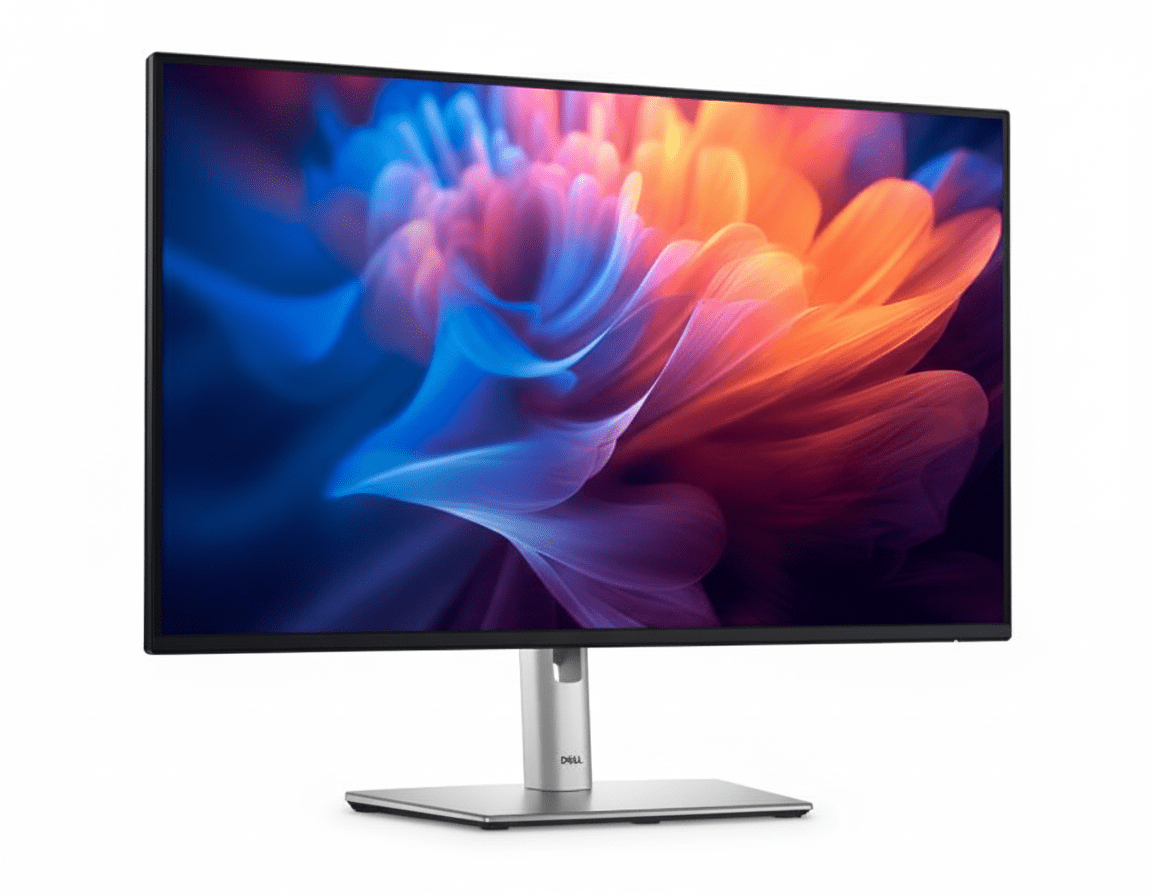
The Dell Pro 27 Monitor (E2725HM) is designed for professionals who crave more screen real estate without a premium price tag. For an affordable ₹11,299, this monitor delivers an expansive 27-inch IPS display that brings key upgrades to the entry-level segment. It features a smooth 100Hz refresh rate for more fluid daily use and Dell’s advanced ComfortView Plus hardware to reduce eye strain. By focusing on a large, comfortable viewing experience and versatile connectivity, the E2725HM offers exceptional value for everyday business and home office tasks.
Expand Your View, Not Your Budget
Get a large 27-inch screen with a smooth 100Hz refresh rate and advanced eye comfort.
Valid till Oct 17th | 3 Year Advanced Exchange Service
Key Features at a Glance
1. An Expansive Canvas for Productivity
More room to work for enhanced multitasking and efficiency.
Large 27-inch Screen
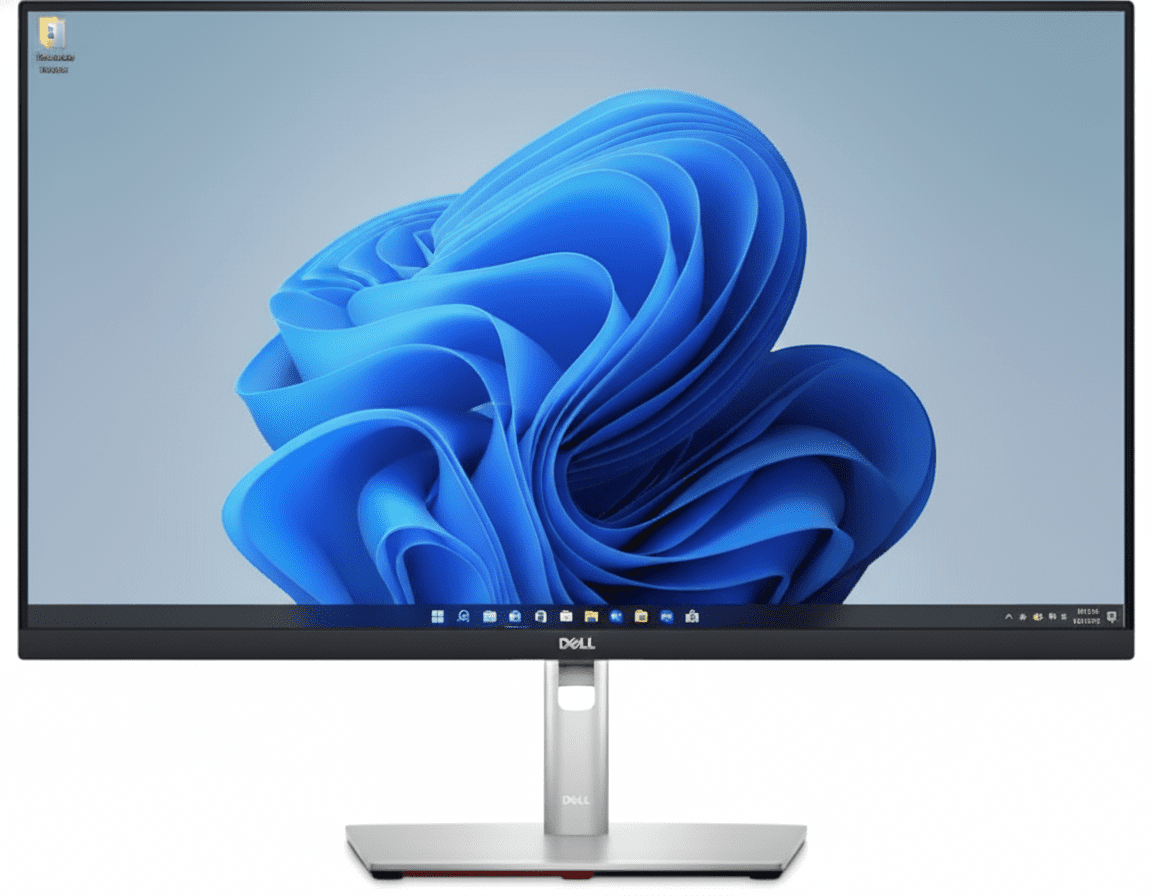
The generous 27-inch screen size provides ample digital real estate, allowing you to comfortably view multiple applications side-by-side. This reduces window switching and improves workflow, whether you’re comparing spreadsheets or writing a report with source material open.
Consistent IPS Viewing
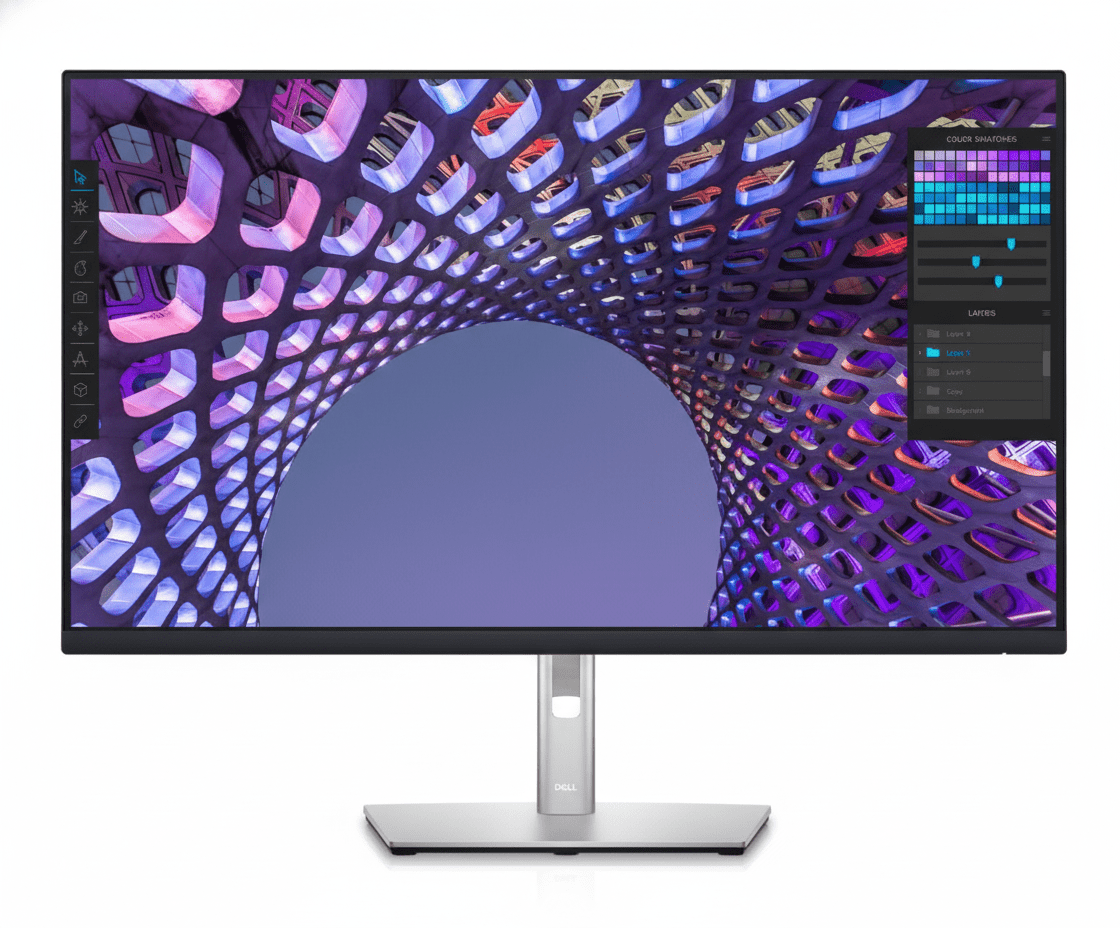
The In-Plane Switching (IPS) panel technology ensures you get consistent, accurate colors and great picture quality even from wide viewing angles of 178°. This makes it easy to collaborate and share your screen with others without any color distortion.
2. A Smoother, More Comfortable Experience
Key upgrades that enhance daily use and reduce eye strain.
100Hz Refresh Rate
A significant improvement over the 60Hz standard, the 100Hz refresh rate delivers less flicker and noticeably smoother motion. This makes everything from scrolling through long web pages to general OS navigation feel more fluid and pleasant.
ComfortView Plus
This monitor features Dell’s always-on, built-in ComfortView Plus. It’s a TÜV-certified hardware solution that minimizes harmful blue light emissions, helping to reduce eye fatigue during long work sessions without distorting the on-screen colors.
3. Convenient & Versatile Connectivity
Connect to a wide range of devices, both modern and legacy.
DisplayPort 1.2
HDMI 1.4
VGA
The inclusion of DisplayPort, HDMI, and VGA ensures broad compatibility. Whether you’re connecting a new laptop or an older desktop PC, this monitor has the inputs you need without requiring adapters. Both DP and HDMI support the full 100Hz refresh rate.
4. Smart Design & Management
A space-saving design paired with powerful organizational software.
Functional, Space-Saving Build
The monitor features a compact stand and slim bezels to maximize your view and minimize its footprint. Integrated cable management helps keep your desk tidy, while VESA compatibility allows for custom mounting solutions.
Dell Display Manager
Boost your multitasking with Easy Arrange, which lets you tile applications across your screen in various preset layouts. The software also simplifies asset management for IT departments and allows for easy firmware updates.
Ideal For These Users
This monitor is perfect for those who prioritize screen size for multitasking but are working with a tight budget. It offers a large 27″ canvas at an entry-level price.
For everyday tasks like email, web browsing, and working with documents, the combination of a large screen, 100Hz refresh rate, and eye comfort features makes it a great workhorse.
The inclusion of a VGA port alongside modern DisplayPort and HDMI makes it easy to deploy in environments where both new and legacy computers are in use.
Who Might Consider Other Options
A 1080p (FHD) resolution on a 27-inch screen results in low pixel density (81 PPI), which can make text and images appear less sharp. Those wanting crisp visuals should consider a QHD or 4K monitor.
The stand is tilt-only. If you need to adjust the height, swivel, or pivot the screen, you will need to either buy a separate VESA mount or upgrade to a Dell P-series monitor.
This monitor lacks any USB ports, especially USB-C for a single-cable connection. Laptop users who want to charge their device and connect peripherals through the monitor should look for a hub monitor like the P2725HE.
Competitive Edge: How It Stacks Up
Delivering a large, smooth display at an unbeatable price.
-
Vs. The E2225HM (22-inch version)
The E2725HM offers the same core features (100Hz, ComfortView Plus, basic stand) as its smaller sibling but in a much larger 27-inch size. Its edge is providing significantly more screen real estate for multitasking for a small price increase, though this comes at the cost of lower pixel density.
-
Vs. Other Entry-Level 27″ Monitors
Many competing 27″ FHD monitors are stuck at 60Hz and may lack advanced hardware-based eye comfort. The E2725HM stands out by providing a 100Hz refresh rate and ComfortView Plus, offering a superior and more comfortable viewing experience for the price.
-
Maximum Screen for Minimum Cost
Its competitive advantage is its singular focus on providing a large screen with a smooth refresh rate at the lowest possible cost. It intelligently cuts non-essential features like an adjustable stand and USB hub to deliver on this promise.
Full Specifications
Display
Connectivity & Mechanical
Pros and Cons
What We Liked
- Large 27-inch screen is great for multitasking.
- 100Hz refresh rate provides a smooth user experience.
- Excellent value for a large monitor with modern features.
- Wide viewing angles thanks to the IPS panel.
- Hardware-based ComfortView Plus is a great addition.
What Could Be Better
- Low pixel density (FHD on 27″) can make text look soft.
- Basic tilt-only stand lacks ergonomic adjustment.
- No USB hub for connecting peripherals.
Final Verdict
The Dell E2725HM is a fantastic proposition for anyone who believes bigger is better, but doesn’t have a big budget. It delivers a massive 27-inch screen and enhances the experience with a smooth 100Hz refresh rate and advanced eye comfort technology, features that punch well above its entry-level price tag.
The critical trade-off is the 1080p resolution, which results in low pixel density on a screen this large. However, if you’re coming from a smaller 1080p monitor and primarily want more space for multitasking rather than razor-sharp detail, this compromise is easy to accept. For those seeking maximum screen real estate for minimum cost, the E2725HM is an excellent, value-driven workhorse monitor.