⚡ Complete USB-C Docking Hub: 144Hz + 75W PD + 4 USB Ports!
Plus Full Ergonomics + IPS Panel + Built-in Speakers!
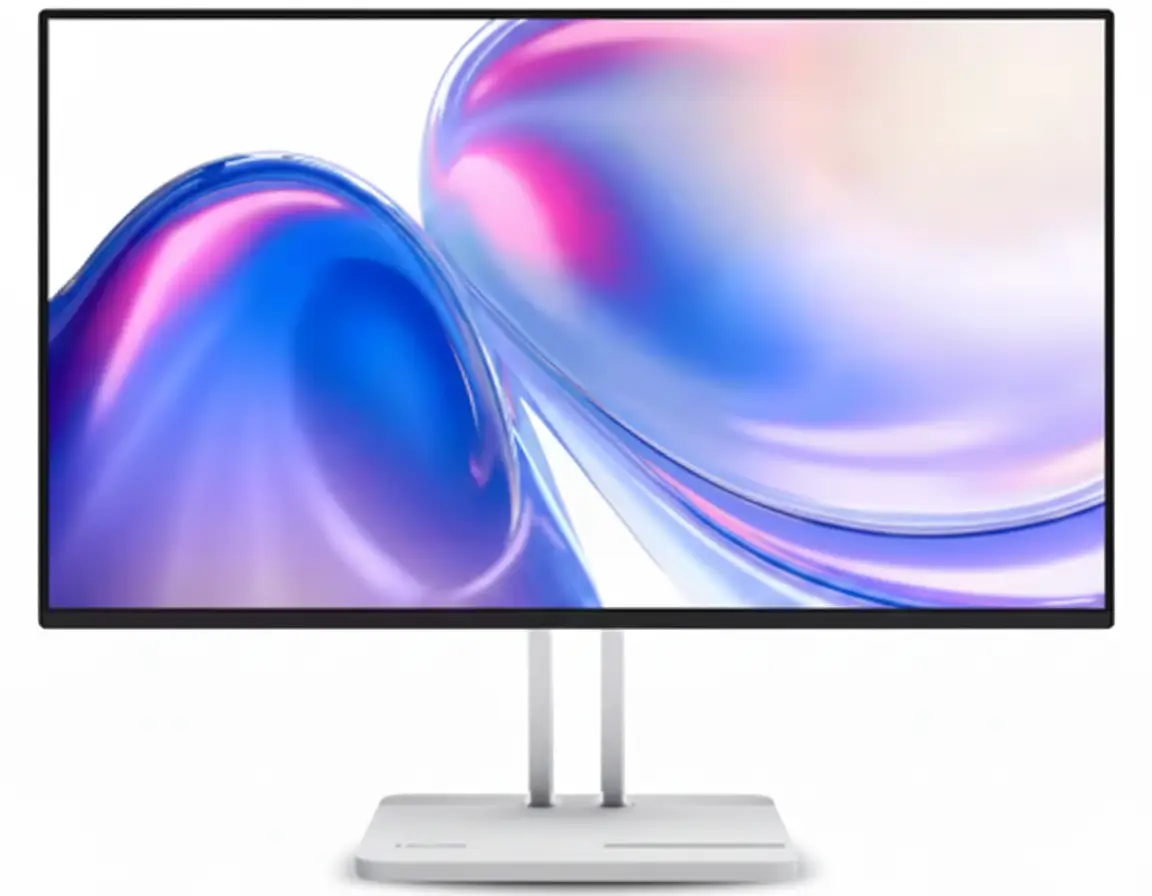
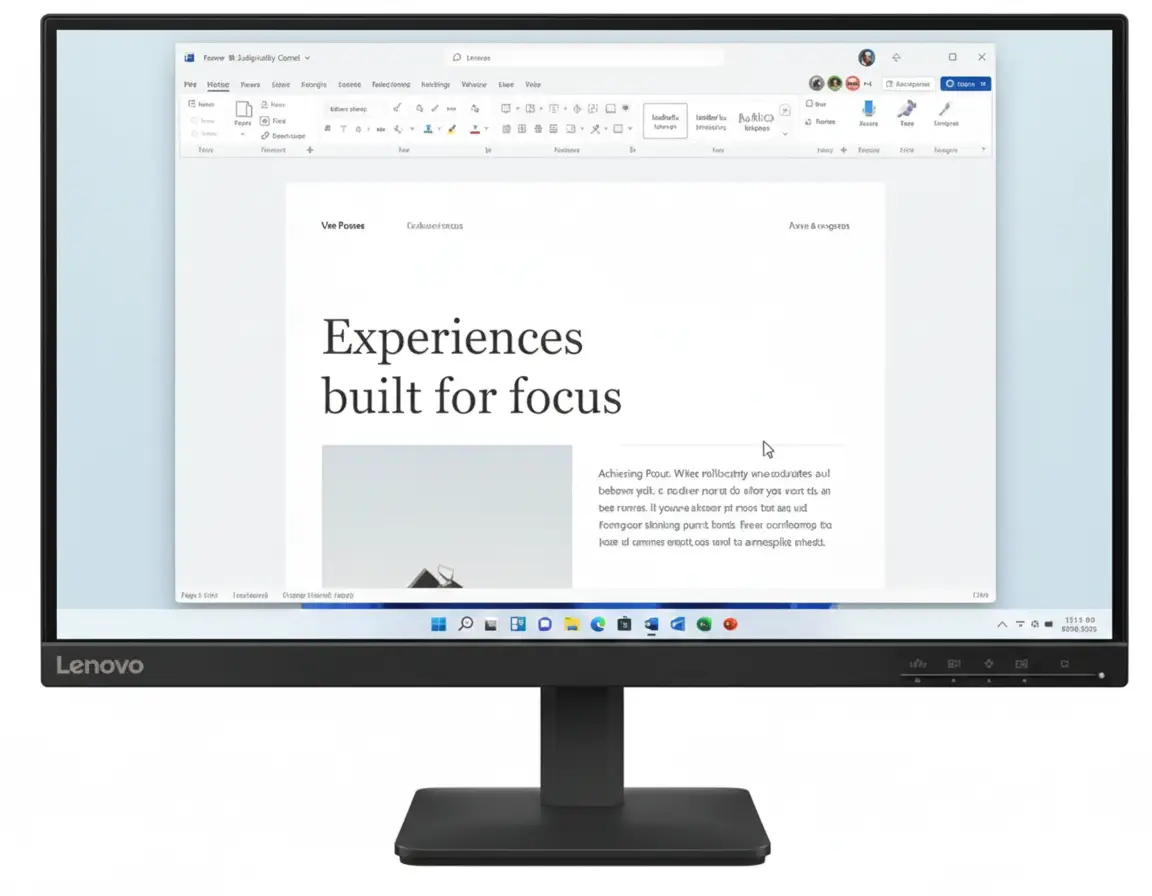
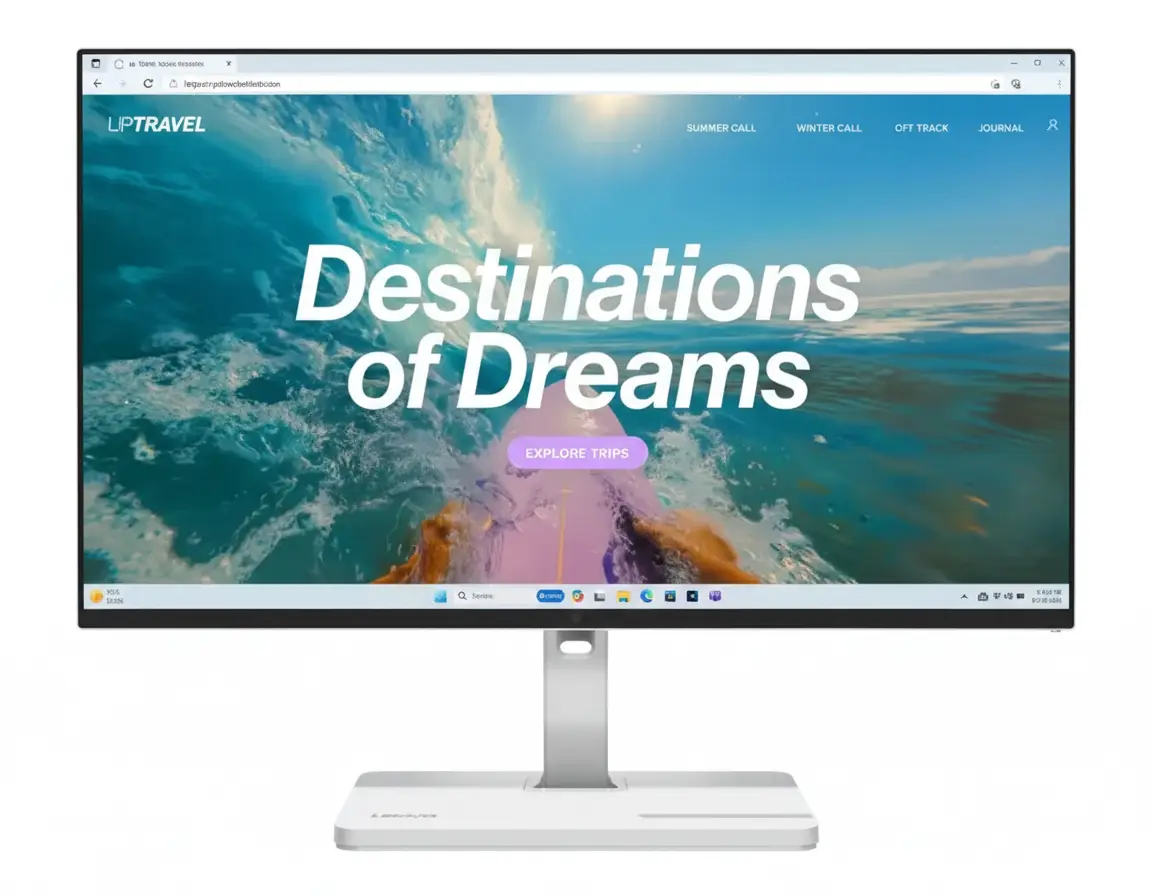
Lenovo L24D-4C USB-C Hub Monitor
24″ 144Hz IPS | USB-C 75W PD | 4-Port Hub | Full Ergonomics | Complete Docking Solution 2025
23.8″ FHD (1920×1080) IPS – 144Hz – 1ms MPRT – USB-C Docking – Height/Tilt/Swivel/Pivot
⚡ The Ultimate All-in-One Productivity Monitor:
• Display: 23.8″ FHD (1920×1080) IPS 144Hz Panel
• USB-C Docking: DisplayPort + 75W Power Delivery (Single Cable!)
• USB Hub: 4× USB-A 3.2 Ports (5 Gbps + BC1.2 Charging)
• Speed: 144Hz Refresh + 1ms MPRT Response
• Colors: 99% sRGB + 1500:1 Contrast + 16.7M Colors
• Ergonomics: Height/Tilt/Swivel/Pivot (Full Adjustable!)
• Audio: Built-in 2×3W Speakers
• Sync: AMD FreeSync + VESA MediaSync
• Ports: USB-C + HDMI 1.4 + 4× USB-A + Audio Out
• Bonus: 4-Side NearEdgeless + Lenovo Artery Software!
₹14,298
₹17,690
SAVE ₹3,392 (19% OFF!)
*Inclusive of all taxes | Free Priority Delivery
Free Delivery | 3 Year Warranty | USB-C 75W PD + Hub
Refresh Rate
144 Hz
USB-C PD
75W
USB Ports
4× USB-A
Lenovo L24D-4C USB-C Hub Monitor Overview
⚡ Docking Highlights
- USB-C 75W PD: Charge laptop + video!
- 4× USB Hub: Connect all peripherals
- 144Hz IPS: Smooth gaming + work
- Full Ergonomics: H+T+S+P adjustable!
- 99% sRGB: Accurate colors
- Built-in Speakers: 2×3W audio
- One Cable Dock: Ultimate simplicity
- ₹14,298: 19% discount!
📦 In The Box
- 🖥️ Lenovo L24D-4C Monitor
- 🏗️ Full Ergonomic Stand (Included!)
- 🔌 Power Cable (1.8m)
- 🔗 USB-C to C Cable (1.8m)
- 📄 Quick Setup Guide
- 📜 Warranty Booklet (3 Year)
Bonus: USB-C cable INCLUDED—rare for monitors!
⭐ Competitive Advantage
- • USB-C 75W: Charge + display + data
- • 4-Port Hub: Replace desk hub
- • Full Ergo: H+T+S+P included!
- • 144Hz + 1ms: Gaming ready
- • ₹14,298: Complete package!
🏆 Best USB-C Docking Monitor Under ₹15,000 – Complete Productivity Solution
One Cable Docking Solution
The USB-C port delivers DisplayPort video + 75W Power Delivery + USB 3.2 data—all over a single cable! Connect your laptop with one cable and get display, charging, and access to 4× USB-A peripherals. No more cable chaos—the ultimate clean desk setup!
Full Ergonomics + 144Hz Gaming
Unlike budget monitors with tilt-only stands, the L24D-4C includes height adjustment (150mm), tilt (-5° to +22°), 360° swivel, AND ±90° pivot! Plus 144Hz refresh rate, 1ms MPRT response, and AMD FreeSync make it gaming-capable while maintaining professional ergonomics!
Unbeatable ₹14,298 Value!
At just ₹14,298 (19% off MRP ₹17,690), you get USB-C 75W PD + 4-port hub + 144Hz IPS + full ergonomics + speakers—features that cost ₹20K-25K in competing monitors! Perfect for WFH professionals, content creators, and hybrid gaming setups!
USB-C 75W Power Delivery – One Cable Docking Solution
🔌 The Ultimate Single-Cable Workspace
The USB-C port (USB 3.2 Gen 1) supports DisplayPort 1.2 Alt Mode + up to 75W Power Delivery! Connect your laptop with one USB-C cable and instantly get FHD 144Hz display output, 75W charging, and USB 3.2 data connectivity to 4× USB-A ports—the ultimate clean desk solution!
Display Output
FHD 144Hz via DP 1.2 Alt Mode
75W Charging
Power Delivery 3.0—charge laptops!
USB 3.2 Data
5 Gbps data to 4× USB-A hub!
One Cable!
Display + charge + data = clean desk!
⚡ 75W Power Delivery Explained
What is 75W PD?
USB-C Power Delivery 3.0 at 75W can charge most ultrabooks, 2-in-1 laptops, and MacBook Air/Pro 13″ models while simultaneously transmitting video and data! Your laptop stays charged during work—no separate power adapter needed on your desk!
- • Ultrabooks: Dell XPS 13, HP Spectre, ThinkPad X1
- • MacBooks: MacBook Air, MacBook Pro 13″
- • 2-in-1s: Surface Laptop, Yoga, Envy
- • ⚠️ Not Enough For: Gaming laptops, 15″+ workstations
Clean Desk = Maximum Productivity
One USB-C cable from laptop to monitor replaces: display cable + laptop charger + USB hub cable = 3 cables become 1! Ultimate cable management!
🖥️ DisplayPort 1.2 Alt Mode
Video Over USB-C
The USB-C port supports DisplayPort 1.2 Alternate Mode (HBR2), transmitting video signals over the USB-C cable alongside charging and data! Supports FHD 1920×1080 at 144Hz without compression—full refresh rate over single cable!
✅ Compatible Laptops
Requires laptop with USB-C DisplayPort Alt Mode (most modern ultrabooks, MacBooks 2016+, ThinkPads, XPS, Surface). Check laptop specs for “USB-C with DP Alt Mode” or “Thunderbolt!”
24″ 144Hz IPS Display – Perfect Balance of Speed & Color
🎨 Professional IPS + Gaming Speed
The 23.8″ IPS panel delivers 1920×1080 FHD resolution, 144Hz refresh rate, 99% sRGB color accuracy, and 1500:1 contrast ratio—combining professional color quality with gaming performance! Perfect for hybrid work+play setups!
IPS Panel Quality
IPS (In-Plane Switching) delivers superior color accuracy and 178° viewing angles—perfect for professional work where accurate colors matter! 99% sRGB coverage ensures web content, photos, and designs look exactly as intended!
144Hz Gaming Speed
144Hz is 2.4× faster than 60Hz—delivering dramatically smoother motion in games, reduced motion blur, and more responsive feel! Great for FPS, esports, and fast-paced gaming after work hours!
1ms MPRT Response
1ms Moving Picture Response Time (Extreme mode) eliminates motion blur and ghosting! Combined with 4ms GtG response, motion clarity is excellent for competitive gaming!
🌈 Color Accuracy & Image Quality
99% sRGB + 16.7M Colors
The IPS panel covers 99% of the sRGB color space (CIE 1931) with 8-bit color depth for 16.7 million colors! Perfect for web design, content creation, photo editing, and any work requiring accurate color representation!
Eye Comfort Technology
Low Blue Light + TÜV-certified Flicker-Free reduce eye strain during long work sessions! Perfect for 8+ hour workdays without fatigue!
⚡ AMD FreeSync + VESA MediaSync
Tear-Free Gaming & Video
AMD FreeSync synchronizes refresh rate with GPU frame output to eliminate screen tearing and stuttering in games! VESA MediaSync extends this to video playback—smooth YouTube, Netflix, streaming!
- • AMD FreeSync: Smooth gaming (AMD & NVIDIA GPUs)
- • VESA MediaSync: Tear-free video streaming
- • Variable Refresh: Adaptive sync 48-144Hz
- • Works With: All modern graphics cards
📺 Better Than Standard Monitors
Most budget monitors only have FreeSync for games. MediaSync adds video sync—smoother Netflix, YouTube, Prime Video playback without judder!
4-Port USB Hub – Replace Your Desk Hub
🔌 Integrated 4× USB-A 3.2 Hub
The monitor includes a built-in 4-port USB-A 3.2 Gen 1 hub (5 Gbps) with one BC1.2 fast-charging port! Connect keyboard, mouse, webcam, external drives, and phone charging—all through the monitor. Eliminates need for separate desk USB hub!
4× USB-A 3.2 Ports
- • Port 1: USB-A 3.2 with BC1.2 (fast charging)
- • Port 2-4: USB-A 3.2 (5 Gbps data)
- • Speed: USB 5 Gbps (USB 3.2 Gen 1)
- • Use Cases: Keyboard, mouse, webcam, drives, phone charging
How It Works
Connect laptop to monitor via USB-C cable → monitor’s 4× USB-A ports become available to laptop → plug peripherals into monitor instead of laptop! Single cable connects everything!
Example Setup:
Laptop → USB-C → Monitor → 4× USB-A peripherals all work!
💰 Saves ₹1,500-2,500 on Desk Hub
Quality 4-port USB-C hubs cost ₹1,500-2,500. This monitor includes the hub + 75W PD + display in one device—saving money and desk space!
Full Ergonomic Stand – Height, Tilt, Swivel, Pivot
🏗️ Complete Ergonomic Freedom
Unlike most budget monitors with tilt-only stands, the L24D-4C includes full ergonomic adjustability: height (150mm), tilt (-5° to +22°), 360° swivel, AND ±90° pivot! Position perfectly for comfort without buying a separate monitor arm!
Height: 150mm
Raise/lower for eye-level alignment!
Tilt: -5° to +22°
Angle screen up/down perfectly!
Swivel: 360°
Rotate left/right to share screen!
Pivot: ±90°
Portrait mode for coding/docs!
💰 Save ₹2,000-5,000 on Monitor Arm!
Most monitors require separate monitor arms (₹2,000-5,000) for full ergonomics. Lenovo includes complete adjustability in the box—saving money and installation hassle!
🔧 VESA 100×100mm Compatible
If you still prefer a monitor arm, the monitor supports standard VESA 100×100mm mounting. But with full ergonomics included, most users won’t need it!
Gaming Performance – 144Hz + 1ms for Casual & Competitive
🎮 Smooth 144Hz Gaming
Perfect for Esports & FPS
144Hz is 2.4× faster than standard 60Hz—delivering dramatically smoother motion in Valorant, CS:GO, Apex Legends, Overwatch 2! Combined with 1ms MPRT response time, motion blur is eliminated for competitive edge!
- • Esports: Valorant, CS:GO, League, Dota 2
- • FPS: Apex, Overwatch, COD, Fortnite
- • Racing: F1, Forza, Gran Turismo
- • Response: 1ms MPRT, 4ms GtG
🔊 Built-in 2×3W Speakers
Convenient Audio
Built-in dual 3W speakers (6W total) provide convenient audio for video calls, YouTube, casual gaming, and music! Better than no speakers—good for everyday use without headphones!
- • Total Output: 2× 3W = 6W stereo
- • Use Case: Video calls, YouTube, casual use
- • Audio Out: 3.5mm jack for headphones
- • Upgrade: Add external speakers if needed
Who Should Buy This Monitor?
💼 WFH Professionals
- Laptop Dockers: One USB-C cable = display + charge
- Clean Desk: No cable clutter
- Peripheral Hub: 4× USB-A for keyboard/mouse
- Video Calls: Built-in speakers
- Ergonomics: All-day comfort
- 99% sRGB: Accurate colors
Perfect for: Remote workers needing complete docking solution!
🎮 Casual Gamers
- 144Hz Gaming: Smooth esports performance
- 1ms MPRT: Zero motion blur
- FreeSync: Tear-free gameplay
- Work + Play: Professional by day, gaming by night
- 24″ FHD: Easy to drive, high FPS
- Budget: Premium features, affordable price
Perfect for: Hybrid work+gaming setups!
🎨 Content Creators
- 99% sRGB: Accurate web colors
- IPS Panel: Wide viewing angles
- USB Hub: Connect peripherals
- Portrait Mode: Pivot for editing
- USB-C: Laptop + peripherals + charge
- Eye Care: Low blue light
Perfect for: YouTubers, bloggers, social media managers!
💻 Students & Developers
- Laptop Docking: Single cable simplicity
- Portrait Mode: Code, documents, PDFs
- USB Hub: External drives, peripherals
- Eye Comfort: Long study sessions
- Budget-Friendly: ₹14,298 complete package
- Gaming Capable: Esports after classes
Perfect for: Dorm rooms, coding, studying, gaming!
🏢 Small Businesses
- Desk Docking: Clean employee workstations
- Cost Effective: Hub + monitor in one
- Ergonomic: Healthy employee posture
- Versatile: Work + presentations
- 3-Year Warranty: Lenovo reliability
- Software: Lenovo Artery management
Perfect for: Office deployments, hot-desking!
🚫 NOT Recommended For
- High-end Gamers: Need 240Hz+ for pro esports
- 4K Enthusiasts: This is FHD 1080p
- Color Professionals: Not factory-calibrated
- Large Screen Fans: 24″ is compact
- Gaming Laptop Owners: 75W not enough
Consider alternatives if you need specialty features!
Lenovo L24D-4C vs Competitors
vs Dell P2423DE 24″ USB-C Hub
Dell: 24″ FHD 60Hz USB-C 65W IPS – ₹21,999
Lenovo: 24″ FHD 144Hz USB-C 75W IPS – ₹14,298
Lenovo Wins
- ✓ ₹7,701 cheaper!
- ✓ 144Hz vs 60Hz (2.4× faster!)
- ✓ 75W vs 65W PD
- ✓ 1ms MPRT gaming
- ✓ FreeSync + MediaSync
- ✓ Better value overall
Dell Wins
- ✓ Premium build quality
- ✓ ComfortView Plus
- ✓ Dell brand reputation
Verdict: Lenovo unbeatable value—144Hz + cheaper!
vs HP E24 G5 24″ FHD Monitor
HP: 24″ FHD 75Hz IPS Tilt-Only – ₹12,999
Lenovo: 24″ FHD 144Hz USB-C Hub + Ergo – ₹14,298
Lenovo Wins
- ✓ 144Hz vs 75Hz (92% faster!)
- ✓ USB-C 75W PD docking
- ✓ 4× USB hub ports
- ✓ Full ergonomics (H+T+S+P)
- ✓ Built-in speakers
- ✓ Gaming capable
HP Wins
- ✓ ₹1,299 cheaper
- ✓ Basic office use
Verdict: Lenovo worth extra ₹1,299 for complete features!
vs BenQ GW2480 24″ Eye Care
BenQ: 24″ FHD 60Hz IPS Eye Care – ₹10,990
Lenovo: 24″ FHD 144Hz USB-C + Hub – ₹14,298
Lenovo Wins
- ✓ 144Hz vs 60Hz (2.4× faster!)
- ✓ USB-C 75W docking
- ✓ 4× USB hub
- ✓ Full ergonomics
- ✓ Gaming + work versatility
- ✓ FreeSync support
BenQ Wins
- ✓ ₹3,308 cheaper
- ✓ BenQ eye care features
Verdict: Lenovo for USB-C docking. BenQ for budget office.
vs LG 24GN60R 24″ 144Hz Gaming
LG: 24″ FHD 144Hz IPS Tilt-Only – ₹11,999
Lenovo: 24″ FHD 144Hz USB-C Hub + Ergo – ₹14,298
Lenovo Wins
- ✓ USB-C 75W PD docking
- ✓ 4× USB hub ports
- ✓ Full ergonomics (H+T+S+P)
- ✓ Built-in speakers
- ✓ Productivity + gaming
- ✓ Complete package
LG Wins
- ✓ ₹2,299 cheaper
- ✓ Pure gaming focus
Verdict: Lenovo for docking. LG for pure gaming.
vs Acer CB242Y 24″ USB-C
Acer: 24″ FHD 75Hz USB-C 65W – ₹16,999
Lenovo: 24″ FHD 144Hz USB-C 75W – ₹14,298
Lenovo Wins
- ✓ ₹2,701 cheaper!
- ✓ 144Hz vs 75Hz (92% faster!)
- ✓ 75W vs 65W PD
- ✓ 1ms gaming response
- ✓ Better value
Acer Wins
- ✓ Acer BlueLightShield
Verdict: Lenovo clearly better value + performance!
vs ASUS VA24EHF 24″ 165Hz
ASUS: 24″ FHD 165Hz IPS Tilt-Only – ₹9,999
Lenovo: 24″ FHD 144Hz USB-C Hub + Ergo – ₹14,298
Lenovo Wins
- ✓ USB-C 75W docking
- ✓ 4× USB hub
- ✓ Full ergonomics
- ✓ Built-in speakers
- ✓ Productivity features
- ✓ Complete solution
ASUS Wins
- ✓ ₹4,299 cheaper
- ✓ 165Hz vs 144Hz
- ✓ Pure gaming budget
Verdict: ASUS for budget gaming. Lenovo for productivity+gaming.
🏆 Competitive Advantage Summary
The Lenovo L24D-4C’s biggest competitive advantage is the complete USB-C docking solution (75W PD + 4× USB hub + DP Alt Mode) combined with full ergonomics and 144Hz gaming—features that cost ₹20K-25K in competing monitors!
Complete USB-C Docking
Single cable = display + 75W charging + 4× USB hub—most competitors offer only basic USB-C or no USB-C at all!
Full Ergonomics Included
Height + tilt + swivel + pivot—saves ₹2,000-5,000 on monitor arm! Most budget monitors tilt-only!
144Hz + Productivity
Gaming speed + work features—perfect hybrid monitor. Competitors focus on one or the other!
Pros & Cons
✅ What We Love
- USB-C 75W Power Delivery: Charge laptops + display + data over single cable—ultimate clean desk solution!
- Built-in 4× USB-A Hub: Connect keyboard, mouse, webcam, drives directly to monitor—eliminates separate desk hub!
- Full Ergonomic Stand: Height (150mm) + Tilt (-5° to +22°) + 360° Swivel + ±90° Pivot—saves ₹2,000-5,000 on monitor arm!
- 144Hz IPS Gaming: 2.4× faster than 60Hz for smooth esports performance—perfect hybrid work+gaming!
- 1ms MPRT + 4ms GtG Response: Zero motion blur and ghosting—excellent gaming motion clarity!
- Outstanding ₹14,298 Value: 19% discount (save ₹3,392)—best USB-C docking monitor under ₹15K!
- 99% sRGB IPS Panel: Accurate colors + wide 178° viewing angles—professional work quality!
- AMD FreeSync + VESA MediaSync: Tear-free gaming AND smooth video playback!
- USB-C Cable INCLUDED: Rare—most monitors don’t include USB-C cable (saves ₹800-1,200)!
- Built-in 2×3W Speakers: Convenient audio for video calls, YouTube, casual use!
- Low Blue Light + Flicker-Free: TÜV-certified eye comfort for long work sessions!
- 4-Side NearEdgeless Design: Slim bezels enhance visual immersion!
- 1500:1 Contrast Ratio: Higher than typical IPS (1000:1)—better blacks!
- Lenovo Artery Software: Easy display management on Windows/macOS!
- 3-Year Warranty: Lenovo reliability + peace of mind!
❌ Room for Improvement
- 24″ Size May Be Small: Some users prefer 27″ for more screen real estate—24″ is compact but fine for most desks!
- FHD Resolution at 24″: 1920×1080 at 23.8″ = 92 PPI—adequate but not as sharp as QHD. Text is clear at normal viewing distance!
- 75W PD Not Enough for Gaming Laptops: High-performance laptops need 90W-140W—75W charges ultrabooks but not gaming rigs!
- Built-in Speakers Basic Quality: 2×3W speakers fine for calls/casual use but audiophiles want external speakers/headphones!
- HDMI 1.4 Limitation: HDMI 1.4 maxes at 120Hz FHD—need USB-C or future HDMI 2.0 for full 144Hz from consoles!
- No USB-C Downstream Ports: 4× USB-A only—no USB-C ports on the hub itself!
- 144Hz vs 165Hz/180Hz: Competitive gamers may want even higher refresh rates (though 144Hz is excellent for most!)!
- No Factory Calibration: Not color-calibrated for professional photo/video editing requiring Adobe RGB or DCI-P3!
- USB-C Laptop Required: Full docking needs laptop with USB-C DisplayPort Alt Mode—older laptops may not support!
- 250 cd/m² Brightness: Adequate for indoor use but not for very bright rooms—some monitors offer 300-400 cd/m²!
Final Verdict
🏆 BEST USB-C DOCKING MONITOR UNDER ₹15,000 – 2025
The Lenovo L24D-4C is the ultimate all-in-one productivity monitor, combining USB-C 75W docking, 4-port USB hub, 144Hz gaming, full ergonomics, and built-in speakers at an unbeatable price!
The Complete Docking Solution
Most monitors force you to choose between USB-C docking OR gaming speed OR ergonomics. The L24D-4C delivers all three together: USB-C 75W PD + 4× USB hub + 144Hz IPS + full ergonomics (H+T+S+P)—a feature set normally found in ₹20K-25K monitors!
For Professionals
One USB-C cable from laptop to monitor = display + 75W charging + 4× USB peripherals. The ultimate clean desk WFH setup with perfect ergonomic positioning!
For Casual Gamers
144Hz refresh + 1ms MPRT + FreeSync provide smooth competitive gaming after work. Perfect hybrid monitor—professional by day, gaming by night!
For Value Seekers
At ₹14,298, you get features that cost ₹20K+ elsewhere: USB-C docking, USB hub, full ergonomics, 144Hz gaming, speakers—all in one package!
Outstanding Value at ₹14,298
At just ₹14,298 (19% off MRP ₹17,690), this monitor delivers premium features:
What You Get:
- • 24″ FHD 144Hz IPS Panel (99% sRGB)
- • USB-C 75W PD Docking (DP Alt Mode)
- • 4× USB-A 3.2 Hub (5 Gbps + BC1.2)
- • Full Ergonomics (H+T+S+P)
- • 1ms MPRT + 4ms GtG Response
- • AMD FreeSync + VESA MediaSync
- • Built-in 2×3W Speakers
- • USB-C Cable INCLUDED!
- • Total Value: ₹20,000+
Money You Save:
- • 19% Discount: Save ₹3,392 instantly
- • USB Hub: Save ₹1,500-2,500 on desk hub
- • Ergonomic Stand: Save ₹2,000-5,000 on arm
- • USB-C Cable: Save ₹800-1,200 (included!)
- • Total Savings: ₹7,692-11,092!
- • Your Price: Just ₹14,298!
Who Should Buy This?
✅ Perfect For:
- • WFH professionals needing laptop docking solution
- • Hybrid workers wanting work+gaming versatility
- • Students with laptops needing single-cable setup
- • Content creators wanting USB hub + ergonomics
- • Small businesses deploying clean desk workstations
- • Casual gamers who also need productivity features
❌ Not Ideal For:
- • Professional esports players (need 240Hz+)
- • 4K/QHD enthusiasts (this is FHD 1080p)
- • Gaming laptop owners (75W PD insufficient)
- • Color professionals (not factory-calibrated)
- • Large screen fans (prefer 27″+ monitors)
Our Final Rating: 9.3/10
The Lenovo L24D-4C is the best value USB-C docking monitor under ₹15,000 in 2025. It excels as the ultimate hybrid work+gaming monitor with complete docking solution!
₹17,690
SAVE ₹3,392 (19% OFF!)
🛒 BUY NOW – LIMITED TIME OFFER!Free Delivery | 3 Year Warranty | USB-C Docking + Hub Included
20 Most Asked Questions About Lenovo L24D-4C
Q1. What is USB-C Power Delivery?
USB-C Power Delivery (PD) 3.0 at 75W allows the monitor to charge your laptop while simultaneously transmitting video and data over a single USB-C cable! Connect one cable from laptop to monitor = display + 75W charging + USB hub access. Works with ultrabooks, MacBook Air/Pro 13″, Dell XPS, ThinkPad X1, Surface Laptop, and other USB-C laptops under 75W power requirement!
Q2. Will 75W charge my laptop?
Q2. Will 75W charge my laptop?
75W is sufficient for ultrabooks and 13-14″ laptops like MacBook Air, MacBook Pro 13″, Dell XPS 13, ThinkPad X1 Carbon, HP Spectre, Surface Laptop, and similar devices (typically require 45-65W). NOT enough for gaming laptops or 15″+ workstations which need 90-180W. Check your laptop’s power adapter wattage—if it’s 65W or less, 75W PD will charge it while working!
Q3. Does the USB hub work without USB-C?
Yes, but requires separate connection! If using HDMI for display instead of USB-C, you can still use the 4× USB-A hub by connecting a second USB-C cable from laptop to monitor (data-only). The hub will work for peripherals, but you won’t get charging. Best experience = single USB-C cable for everything!
Q4. Can I use this with desktop PC?
Yes! Desktop PCs can use the monitor via HDMI 1.4 (up to 120Hz) or USB-C if your GPU has USB-C DisplayPort output. For 144Hz from desktop, use USB-C with DP Alt Mode. The 4× USB-A hub works when connected via USB-C upstream. 75W PD charging obviously not needed for desktops!
Q5. How do I get full 144Hz?
Connect via USB-C cable (included!) with DisplayPort Alt Mode → PC will automatically detect 144Hz capability → Right-click desktop → Display Settings → Advanced Display → Select 144Hz refresh rate → Apply. HDMI 1.4 maxes at 120Hz FHD, so use USB-C for full 144Hz!
Q6. Is 24″ too small for productivity?
Not at all! 24″ FHD is the sweet spot for 1-2 feet viewing distance—text is sharp, no scaling needed, perfect for desks with limited space! At 92 PPI, text clarity is excellent for office work, coding, and web browsing. If you prefer more screen space, consider 27″ monitors, but 24″ is ideal for compact setups and paired displays!
Q7. Can I use two monitors with one laptop?
Yes, if your laptop supports it! Connect first monitor via USB-C (display + charge + hub) and second monitor via laptop’s HDMI port. Most modern laptops support dual external displays. Check laptop specs for “dual display support” or number of external displays supported!
Q8. Does this monitor have VESA mount?
Yes! VESA 100×100mm compatible—you can remove the stand and mount on any standard monitor arm or wall mount. However, the included stand already has full ergonomics (H+T+S+P), so most users won’t need an arm unless doing multi-monitor setups or desk mounting!
Q9. Are the built-in speakers good?
2×3W speakers are convenient but basic quality—perfectly fine for video calls (Zoom, Teams), YouTube, casual music, and system sounds. Not suitable for serious music listening or gaming audio. For immersive gaming or audiophile quality, use external speakers or gaming headset via 3.5mm audio-out jack!
Q10. What is DisplayPort Alt Mode?
DisplayPort Alternate Mode allows USB-C cables to carry video signals alongside data and power! The monitor’s USB-C port supports DP 1.2 Alt Mode (HBR2), transmitting FHD 144Hz video from your laptop over the USB-C cable. Your laptop must support “USB-C with DisplayPort Alt Mode” or “Thunderbolt 3/4” for video output!
Q11. Is 144Hz overkill for office work?
Not at all! 144Hz makes desktop cursor movement, scrolling, window dragging smoother—once you use 144Hz, going back to 60Hz feels sluggish! Plus you get gaming capability for after-work hours. Think of it as future-proofing—the monitor handles both productivity and entertainment perfectly!
Q12. Can I charge my phone via the USB hub?
Yes! One of the 4× USB-A ports has BC1.2 (Battery Charging 1.2) support for faster phone/tablet charging! The other 3 ports provide standard USB power. Perfect for keeping your phone charged at your desk without using laptop USB ports or wall adapters!
Q13. Does it work with MacBook?
Absolutely! Perfect for MacBook Air, MacBook Pro 13″, and MacBook Pro 14″ (2016 or newer with USB-C/Thunderbolt). Single cable from MacBook to monitor = display + charging + USB hub! The 75W PD is perfect for 13″ MacBook Pro (61W) and MacBook Air (30-45W). MacBook Pro 16″ needs 96W+, so 75W won’t fully charge under heavy load!
Q14. What is Lenovo Artery software?
Lenovo Artery (formerly Display Control Center) is free software for Windows 10/11 and macOS that lets you adjust monitor settings from your computer instead of physical buttons! Change brightness, contrast, color modes, input source, enable gaming features, manage audio—all via software interface. Makes monitor management much easier!
Q15. Can I use this for PS5/Xbox gaming?
Yes, via HDMI 1.4 connection! PS5 and Xbox Series X will output FHD 1080p at 120Hz (HDMI 1.4 limitation—can’t reach 144Hz via HDMI). Still a massive upgrade over 60Hz! FreeSync works with Xbox for tear-free gaming. For competitive console gaming, this is excellent value!
Q16. Is IPS better than VA for gaming?
Both have advantages! IPS (this monitor) = better color accuracy (99% sRGB), wider viewing angles (178°), faster response in some cases. VA = deeper blacks/contrast (3000:1 vs 1500:1). For hybrid productivity + gaming, IPS is superior due to accurate colors for work and good gaming performance. VA better for pure gaming/movies in dark rooms!
Q17. Does pivot mode work well?
Yes! The monitor rotates ±90° for portrait orientation—perfect for coding (see more lines of code), reading documents/PDFs, web browsing, social media feeds, and Twitch streaming layouts! Windows automatically detects rotation and adjusts display. Portrait mode at 24″ is incredibly useful for developers and content creators!
Q18. What cables are included?
Power cable (1.8m) and USB-C to USB-C cable (1.8m) are INCLUDED—rare for monitors! Most monitors don’t include USB-C cables (cost ₹800-1,200 separately). HDMI cable NOT included—if using HDMI connection, purchase separately (₹300-600 for quality cable). DisplayPort cable also not included!
Q19. Is low blue light certification important?
Yes! TÜV-certified flicker-free + low blue light technology reduces eye strain during long work sessions (8+ hours). Blue light exposure can cause eye fatigue, sleep disruption, and headaches. This monitor filters harmful blue light without color distortion—perfect for professionals staring at screens all day!
Q20. Should I buy this in 2025?
ABSOLUTELY YES! At ₹14,298 with 19% discount, this is the best USB-C docking monitor under ₹15K—no competitor offers USB-C 75W PD + 4× USB hub + 144Hz + full ergonomics at this price! Perfect for WFH professionals, hybrid gamers, students, and anyone wanting a clean desk setup with laptop docking!
Complete Technical Specifications
| DISPLAY SPECIFICATIONS | |
|---|---|
| Brand | Lenovo |
| Model | L24D-4C (67DCUAC6IN) |
| Screen Size | 23.8″ (60.45 cm) |
| Panel Type | IPS (In-Plane Switching) |
| Resolution | FHD (1920×1080) |
| Aspect Ratio | 16:9 |
| Refresh Rate | 144 Hz |
| Response Time | 1ms MPRT, 4ms GtG (Extreme), 6ms (Normal) |
| Brightness | 250 cd/m² (Typical) |
| Contrast Ratio | 1500:1 (Typical) |
| Color Gamut | 99% sRGB (CIE 1931) |
| Color Depth | 8-bit |
| Color Support | 16.7 Million Colors |
| Viewing Angle | 178° Horizontal / 178° Vertical |
| Backlight | WLED (White LED) |
| Bezel Design | 4-Side NearEdgeless |
| CONNECTIVITY & USB-C DOCKING | |
|---|---|
| USB Type-C | 1× USB-C (USB 3.2 Gen 1, DP 1.2 Alt Mode HBR2, PD 3.0 up to 75W) |
| HDMI | 1× HDMI 1.4 |
| USB Hub | 4× USB-A 3.2 Gen 1 (5 Gbps, 1× with BC1.2 charging) |
| Audio Out | 1× 3.5mm Headphone Jack |
| Power Delivery | USB-C PD 3.0 up to 75W |
| DisplayPort Alt Mode | DP 1.2 Alt Mode (HBR2) |
| GAMING FEATURES | |
|---|---|
| Adaptive Sync | AMD FreeSync + VESA MediaSync |
| Motion Clarity | 1ms MPRT / 4ms GtG (Extreme Mode) |
| AUDIO | |
|---|---|
| Built-in Speakers | Yes (2× 3W = 6W Total) |
| Headphone Output | 3.5mm Audio Jack |
| ERGONOMICS & STAND | |
|---|---|
| Height Adjustment | 150 mm (5.9″) |
| Tilt Angle | -5° to +22° |
| Swivel | 360° (Full Rotation) |
| Pivot | ±90° (Portrait Mode) |
| VESA Mount | 100 × 100 mm |
| Kensington Lock | Yes (Security Slot) |
| EYE COMFORT | |
|---|---|
| Flicker-Free | Yes (TÜV Certified) |
| Low Blue Light | Yes (TÜV Certified) |
| DIMENSIONS & WEIGHT | |
|---|---|
| Dimensions (Head Only) | 539.4 × 41.0 × 315.2 mm (21.24″ × 1.61″ × 12.41″) |
| Dimensions (With Stand) | 539.4 × 196.2 × 530.6 mm (21.24″ × 7.72″ × 20.88″) |
| Weight (Head Only) | 3.4 kg (7.5 lbs) |
| Weight (With Stand) | 5.1 kg (11.2 lbs) |
| Package Weight | 7.2 kg (15.9 lbs) |
| POWER & ENERGY | |
|---|---|
| Power Requirement | AC 100-240V (50-60 Hz) |
| Power Consumption (Typical) | 16W |
| Power Consumption (Maximum) | 145W |
| Sleep Mode | <0.5W |
| Off Mode | <0.3W |
| Energy Star | 8.0 Certified |
| Smart Power | Yes |
| SOFTWARE & MANAGEMENT | |
|---|---|
| Software | Lenovo Artery (Lenovo Accessories and Display Manager) |
| OS Compatibility | Windows 10/11, macOS (functions vary) |
| PRICING & WARRANTY | |
|---|---|
| Current Price | ₹14,298 |
| MRP | ₹17,690 |
| Discount | ₹3,392 OFF (19% OFF!) |
| Lenovo Rewards | Earn 606 points |
| Warranty | 3 Years Limited Warranty |
| Part Number | 67DCUAC6IN |
| WHAT’S INCLUDED IN BOX | |
|---|---|
| Monitor | Lenovo L24D-4C with Stand |
| Power Cable | 1× Power Cable (1.8m) |
| USB-C Cable | 1× USB Type-C to Type-C Gen1 Cable (1.8m) – INCLUDED! |
| Documentation | Quick Setup Guide + Warranty Booklet |
Transform Your Workspace with USB-C Docking!
24″ 144Hz IPS | USB-C 75W PD | 4-Port Hub | Full Ergonomics | Only ₹14,298
🛒 BUY NOW – 19% OFF!Free Delivery | 3 Year Warranty | USB-C Cable Included | Complete Docking Solution