ThinkVision S24i-30 Monitor Review: The Productive Office Essential
The ThinkVision S24i-30 is a masterstroke of practical design and productivity-focused features, offered at an exceptionally competitive price of ₹8,398. This 23.8-inch monitor combines a crisp FHD IPS display with a surprisingly smooth 100Hz refresh rate and vibrant 99% sRGB color coverage. Wrapped in a sleek, 3-side NearEdgeless frame with thoughtful ergonomic and cable management features, the S24i-30 is engineered to create a clean, comfortable, and efficient workspace for daily office tasks, home use, and multi-monitor setups.
Upgrade Your Workspace for Less
Experience smooth 100Hz visuals and vibrant color on a stylish, borderless display perfect for any desk.
3 Year Limited Warranty | Cashback Offers Available
Key Features at a Glance
1. Visual Performance: Smooth and Vibrant
A high-class visual experience that elevates everyday tasks.
FHD IPS Panel
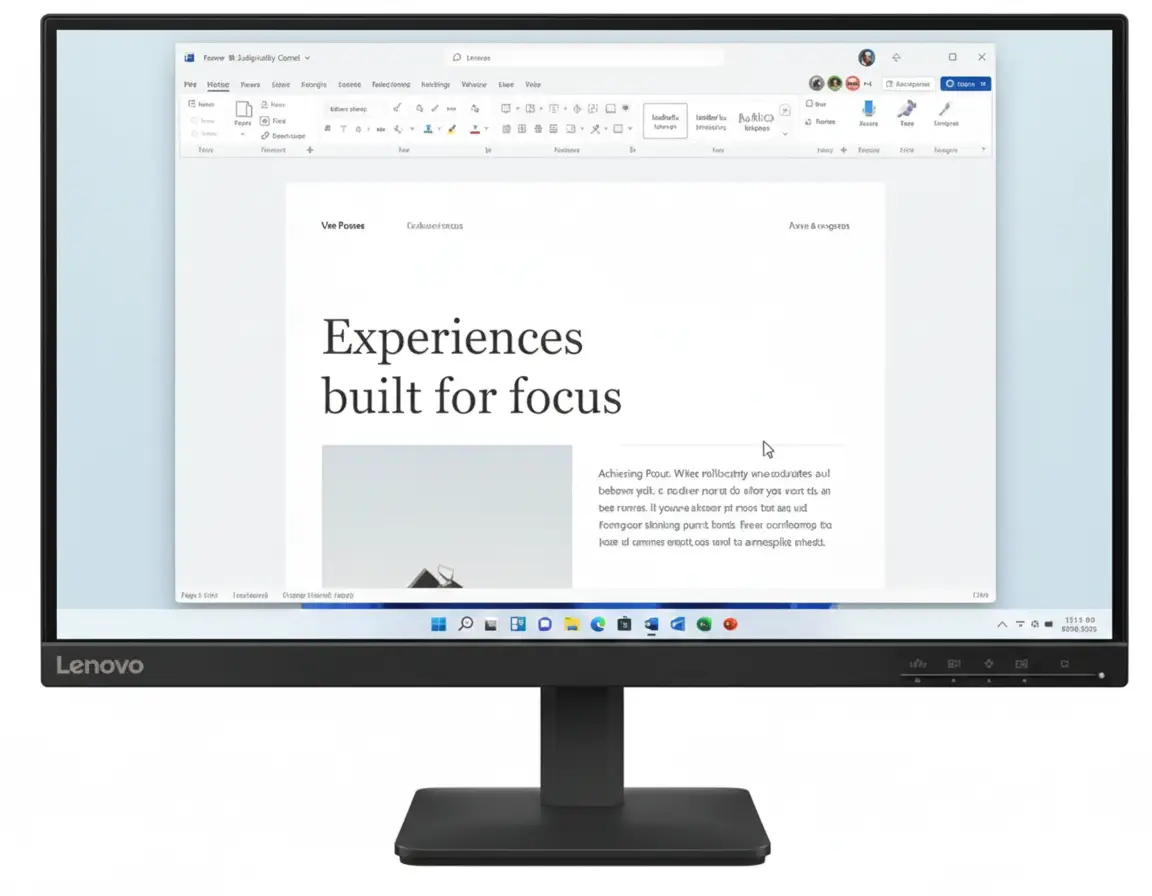
The 23.8-inch Full HD (1920×1080) In-Plane Switching (IPS) panel provides sharp, clear images perfect for office documents, web browsing, and video calls. The wide 178° viewing angles ensure consistent color and brightness from almost any perspective.
100Hz Refresh Rate & 99% sRGB
A key upgrade is the 100Hz refresh rate, which delivers noticeably smoother motion than standard 60Hz monitors, reducing blur when scrolling or watching videos. Combined with 99% sRGB color coverage, visuals are not just smooth but also vibrant and color-accurate for everyday use.
2. Design & Ergonomics: Modern and Clutter-Free
A sleek, user-friendly design that enhances any workspace.
Ultra-Slim NearEdgeless Design
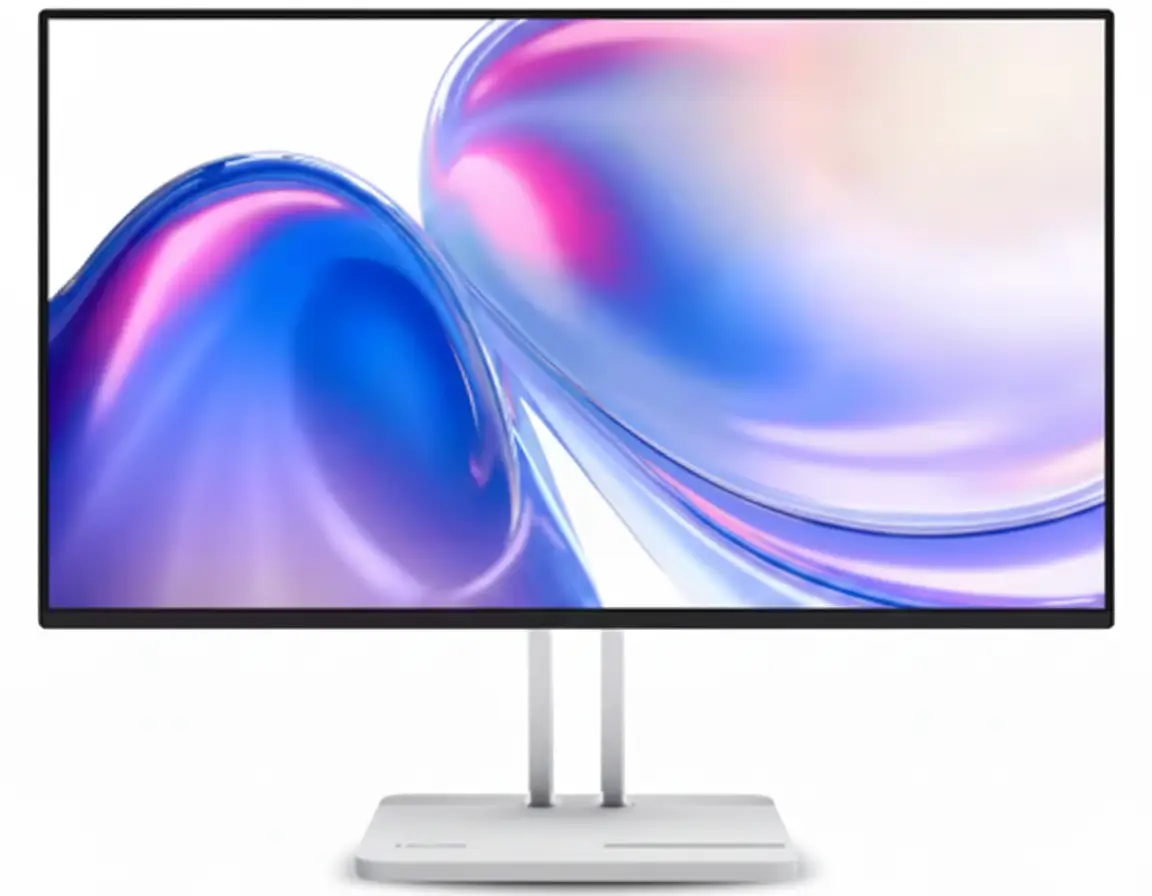
Crafted with a modern Storm Gray finish, the S24i-30 boasts an impressive ultra-slim 6.9mm head thickness and 3-side NearEdgeless bezels. This minimalist aesthetic is perfect for creating a seamless, distraction-free view in dual-monitor setups.
Functional Stand & VESA Mount
The stand offers -5° to 22° tilt functionality for comfortable viewing. It also includes clever design touches like a built-in phone holder and cable management clips to keep your desk tidy. For more flexibility, the monitor is fully VESA-mountable.
3. Connectivity & Features: Essential and Uncompromised
Get all the necessary tools for your work with straightforward connectivity.
HDMI & VGA Ports
The monitor provides essential connectivity with one HDMI 1.4 port and one legacy VGA port. This ensures compatibility with both modern and older computers without needing adapters. A 3.5mm audio out port allows for easy connection to external speakers or headphones.
Easy Joystick Control
Instead of fumbling with multiple confusing buttons, the S24i-30 features a nifty joystick control on the back. This makes navigating the on-screen display (OSD) to adjust brightness, contrast, and other settings intuitive and hassle-free.
4. Eye Care & Sustainability: Smart and Responsible
Designed to be easy on your eyes and on the planet.
Natural Low Blue Light
The monitor features built-in Natural Low Blue Light technology. This hardware-based solution reduces harmful blue light emissions to minimize eye strain during long work sessions, all without causing the yellow tint seen in software-based filters.
Environmentally Friendly
Lenovo has prioritized sustainability, complying with the latest TCO 9.0 regulations. The monitor is built with 85% recycled plastics, and it ships in recyclable paper pulp packaging, making it a responsible choice for eco-conscious buyers.
Ideal For These Users
Perfect as a primary or secondary monitor for professionals working from home, offering a great balance of performance, design, and eye comfort.
An excellent, affordable option for students who need a reliable monitor for assignments, research, and entertainment without breaking the bank.
Its TCO 9.0 compliance, energy efficiency, and VESA mount capability make it ideal for mass deployment in corporate environments.
The 3-side NearEdgeless design creates a near-seamless viewing experience when two monitors are placed side-by-side, boosting productivity.
For web browsing, email, streaming video, and other daily tasks, the 100Hz refresh rate and crisp FHD panel provide a superior experience to basic monitors.
Offers premium features like a 100Hz IPS panel and sleek design at a price point that is accessible to almost everyone.
Who Might Consider Other Options
While the 100Hz refresh rate is good, competitive gamers will want 144Hz or higher and faster response times for a true gaming edge.
While 99% sRGB is great for general use, professionals needing wider gamuts like Adobe RGB or DCI-P3 should look at specialized creator monitors.
This monitor lacks USB-C connectivity, so users who want to connect and charge their laptop with a single cable will need to look at more expensive models.
Competitive Edge: How It Stacks Up
Delivering features typically found in more expensive monitors.
-
Vs. Standard Office Monitors
The S24i-30’s primary advantage is its 100Hz refresh rate. Most competitors in this budget category are limited to 60Hz or 75Hz, making the S24i-30 feel noticeably smoother in everyday use.
-
Vs. Other Budget 100Hz Monitors
Compared to other low-cost 100Hz monitors, the ThinkVision stands out with its superior build quality, sleek design, Natural Low Blue Light technology, and thoughtful stand with a phone holder and cable management.
-
Unbeatable Value Proposition
At its aggressive sale price, the combination of a 100Hz IPS panel, 99% sRGB color, a premium NearEdgeless design, and ergonomic features makes the ThinkVision S24i-30 one of the best value-for-money productivity monitors on the market.
Full Specifications
Display
Connectivity
Mechanical
Pros and Cons
What We Liked
- Smooth 100Hz refresh rate is a huge upgrade over 60Hz.
- Vibrant and accurate 99% sRGB color coverage.
- Sleek, modern, and thin NearEdgeless design.
- Excellent value for money at its price point.
- Hardware-based Natural Low Blue Light for eye comfort.
What Could Be Better
- Limited connectivity (no USB-C or DisplayPort).
- Basic stand with only tilt adjustment (no height or swivel).
- 250 nits brightness may be insufficient for very bright rooms.
Final Verdict
The ThinkVision S24i-30 is a fantastic productivity monitor that delivers remarkable value. Its headline feature, the 100Hz IPS panel, provides a tangible improvement in smoothness over standard 60Hz screens, making all daily tasks more pleasant. This, combined with its crisp FHD resolution, accurate 99% sRGB color, and a sleek, modern design, makes it look and feel like a much more expensive product.
While it lacks modern ports like USB-C and advanced ergonomic adjustments, these are understandable compromises to achieve its aggressive price point. For anyone looking to build a stylish, comfortable, and highly functional home or office setup on a budget, the ThinkVision S24i-30 is an outstanding choice and one of the best monitor deals available.